
Rear View Monitor setting
Camera settings
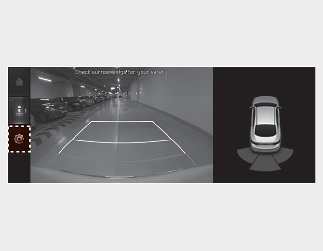
You can change Rear View Monitor ‘Display Contents’ of ‘Display Settings’ by touching the setup icon ( ) on the screen while Rear View Monitor is operating, or selecting ‘Setup → Vehicle → Driver Assistance → Parking Safety →
Camera Settings’ from the Infotainment System screen while the engine is on.
) on the screen while Rear View Monitor is operating, or selecting ‘Setup → Vehicle → Driver Assistance → Parking Safety →
Camera Settings’ from the Infotainment System screen while the engine is on.
Warning Volume
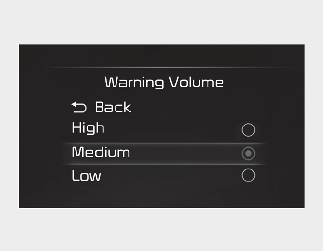
With the ignition switch or the ENGINE START/STOP button in the ON position, select 'Driver Assistance → Warning Volume' from the Settings menu to change the Warning Volume to 'High', ‘Medium’ or ‘Low’.
If you change the Warning Volume, the Warning Volume of other Driver Assistance functions may change.