Heating and air conditioning automatically
Press the AUTO icon.
The modes, fan speeds, air intake and air-conditioning will be controlled automatically by setting the temperature.
 N_CT25C086 |
|
Level |
Indicator |
LCD Display |
Air flow |
|---|---|---|---|
|
High |
 |
 |
2–8 |
|
Medium |
 |
 |
1–6 |
|
Low |
 |
 |
1–4 |
-
To turn the automatic operation off, select any icon or switch of the following:
-
Mode selection icon
-
Air conditioning icon
-
Front windshield defroster icon (Press the icon one more time to deselect the front windshield defroster function. The AUTO sign will illuminate on the information display once again.)
-
Fan speed control icon
The selected function will be controlled manually while other functions operate automatically.
-
-
For your convenience and to improve the effectiveness of the climate control, use the AUTO icon and set the temperature to 22 °C (72 °F).
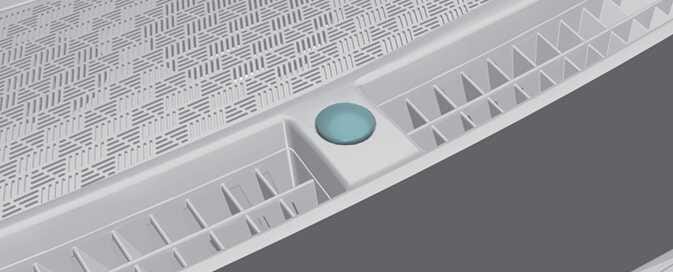
Never place anything over the sensor located on the instrument panel to ensure better control of the heating and cooling system.