

Forward Safety Warning Timing
 OJAPE055134L |
 OJAPE053135L |
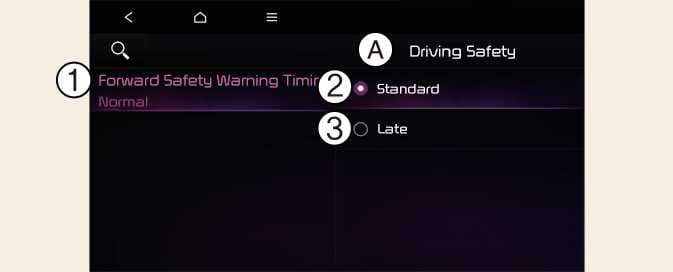
A: Driving Safety
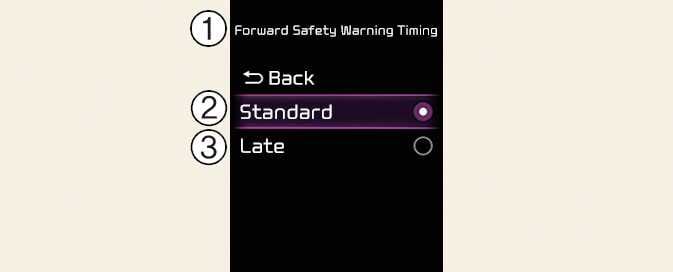
With the vehicle on, select on the instrument cluster, or select on the Infotainment system to change the initial warning activation time for Forward Collision-Avoidance Assist.
-
Standard: Use in a normal driving environment. If the function operates too sensitively, set to the warning timing to Late.
-
Late: The warning timing will be slow.
CAUTION
-
Even though Standard is selected for Warning Timing, if the front vehicle suddenly stops, the initial warning activation time may seem late.
-
Select Late for Warning Timing when traffic is light and when driving speed is slow.
NOTE
If the vehicle is restarted, Warning timing will maintain the last setting.