

Warning volume
OMQ40416064
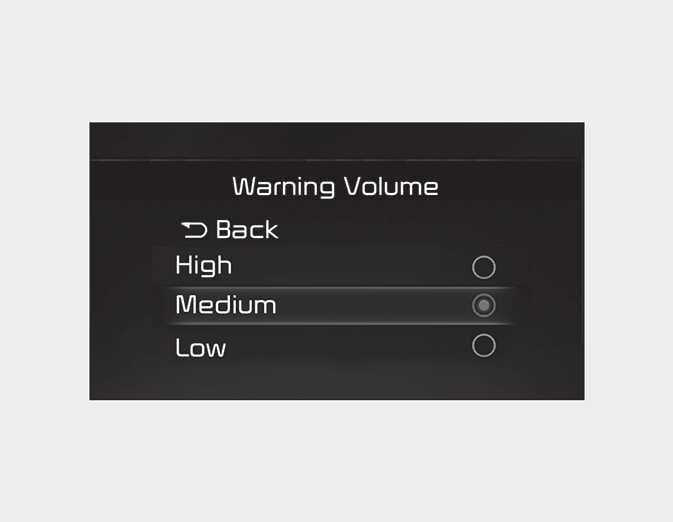
With the engine on, select 'Driver Assistance → Warning Volume' from the Settings menu to change the warning volume to 'High', 'Medium', or 'Low' for Safe Exit Assist.
If you change the Warning Volume, the Warning Volume of other Driver Assistance systems may change.
CAUTION
-
The setting of the Warning Timing and Warning Volume applies to all functions of the Safe Exit Assist.
-
Even though 'Normal' is selected for Warning Timing, if the vehicles approaches at high speed from the rear, the initial warning activation time may seem late.
-
Select 'Late' for Warning Timing when traffic is light.