

Warning volume
OMQ40416065
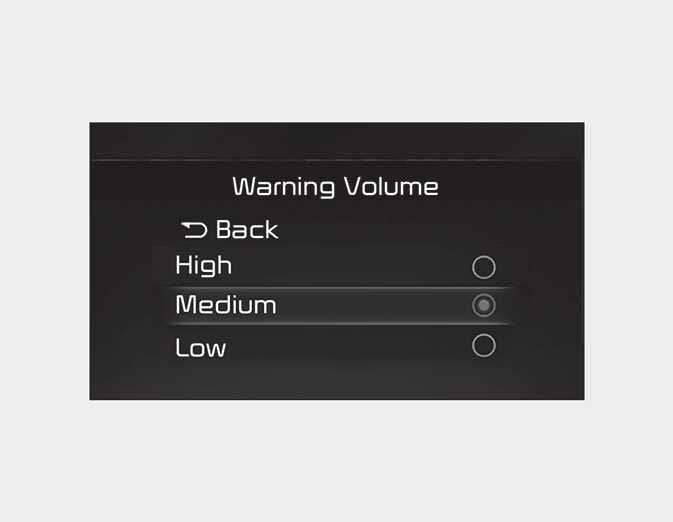
With the engine on, select 'Driver Assistance → Warning Volume' from the Settings menu to change the Warning Volume 'High', 'Medium', or 'Low' for Smart Cruise Control.
If you change the Warning Volume, the Warning Volume of other Driver Assistance systems may change.
NOTE
If the engine is restarted, Warning Volume will maintain the last setting.