

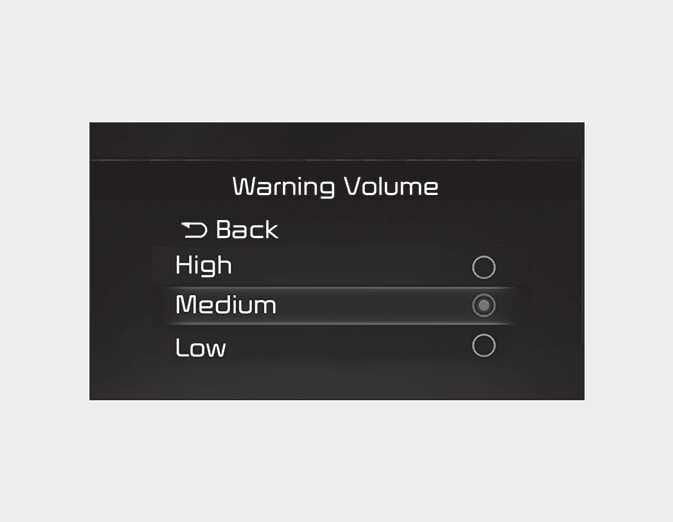
Warning volume
OMQ40416066
With the engine on, select 'Driver Assistance → Warning Volume' from the Settings menu to change the Warning Volume to 'High', 'Medium', or 'Low' for Hands-off warning.
If you change the Warning Volume, the Warning Volume of other Driver Assistance systems may change.