Head-up display settings
 OMV053094L |
|
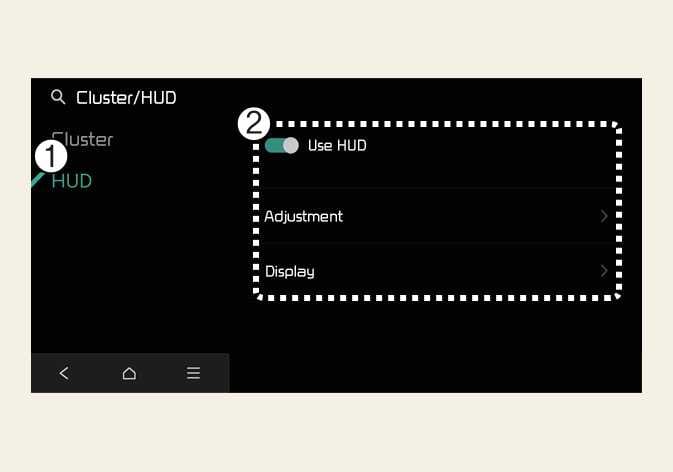
Head-up display can be enabled from the Settings menu in the infotainment system screen.
-
[[ Settings → Cluster→Head-up display → Head-Up Display]]
After turning on the head-up display, you can change the settings of Display Control and Content Selection of the Head-Up Display.