Camera Settings
 OMV073096L0 |
|
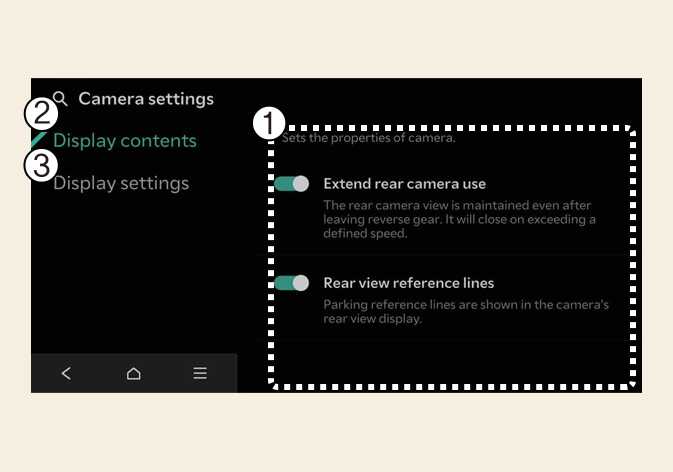
With the vehicle on, select the setup icon (
 ) on the screen or [[
Settings →
Vehicle →
Driver assistance →
Parking safety →
Camera settings]] from the infotainment system screen to change the Rear View Monitor settings.
-
Display contents: Specify information that will be displayed on the parking assistance screen.