3D view function
OMV073023L2
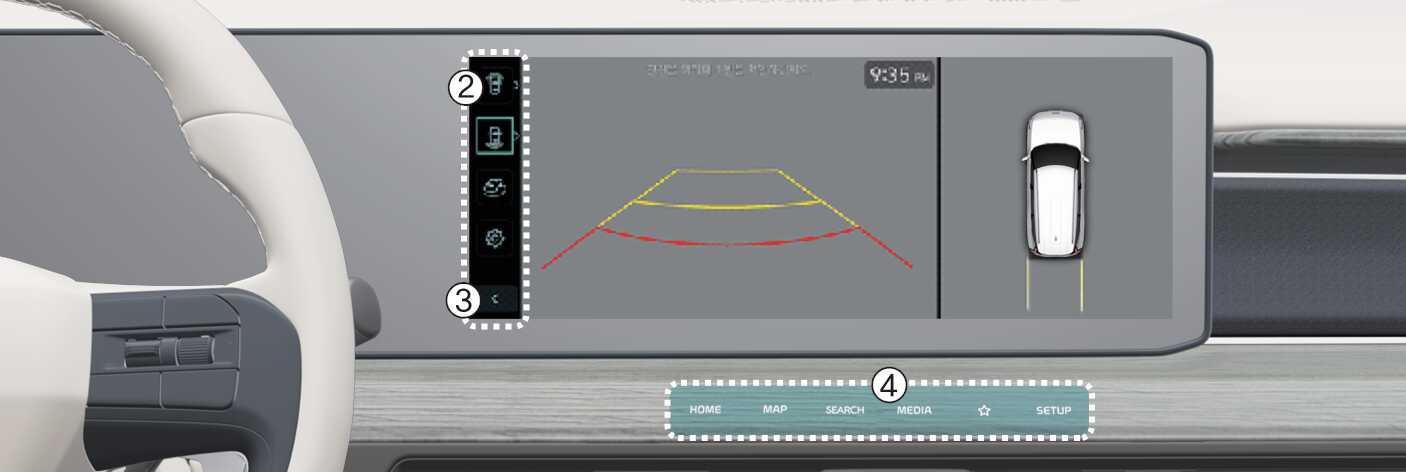
3D view function shows the vehicle in various angles. Press the 3D view icon on the Surround View Monitor screen to choose the angle. Press the 3D view icon again to reset the angle.
Operating conditions
3D view function will turn on when the following conditions are satisfied:
-
Shifting to P (Park), N (Neutral) or D (Drive) and the vehicle speed is below 10 km/h (6 mph).
-
When shifting to R (Reverse) and Surround View Monitor is on, Press 3D view icon on the Surround View Monitor screen.
Off conditions
3D view function will turn off when the following conditions are satisfied: