

Camera settings
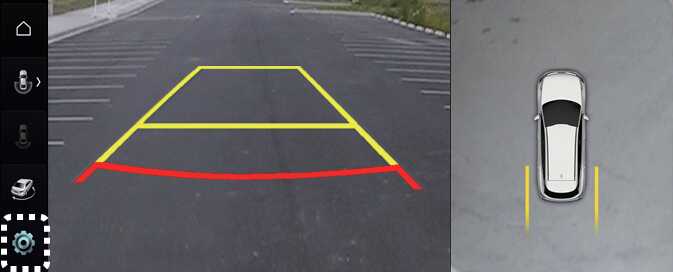
With the vehicle on, select the setup icon (
 ) on the screen or
Settings →
Vehicle →
Driver assistance →
Parking safety →
Camera settings from the infotainment system screen to change the Rear View Monitor settings.
-
Display Contents: To change the settings of Parking distance warning, Top view parking guide lines, and Rear view parking guide lines function.
-
Display Settings: To change the screen's brightness and contrast.: (if equipped)
The settings menu on your vehicle may not be necessarily be available due to the selected options or regions.
Surround View Monitor Auto On
With the vehicle on, select 'Driver Assistance → Parking Safety → Surround View Monitor Auto On' from the infotainment system Settings menu to use the function.
To use this function, refer to Surround View Monitor operation