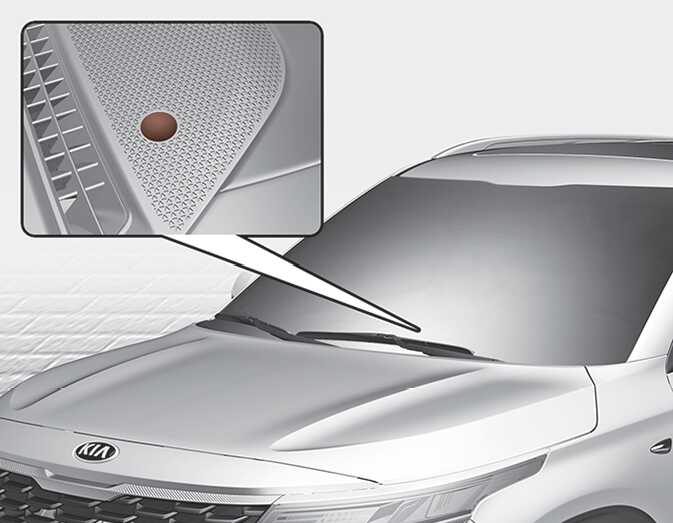
Heating and air conditioning automatically
-
Press the AUTO button.
The modes, fan speeds, air intake and air-conditioning will be controlled automatically by setting the temperature.
Figure 1. Type A (button) 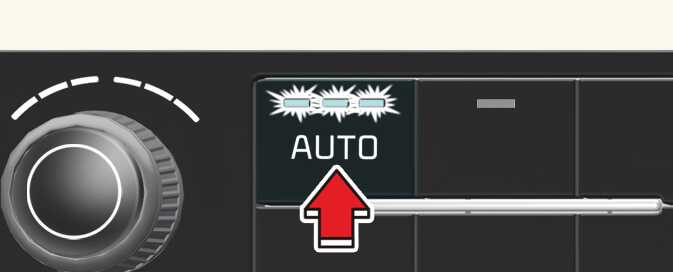 ONQ5031318
Figure 2. Type B (control panel) 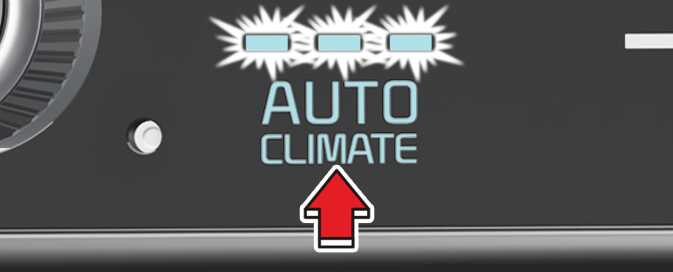 ONQ5031319
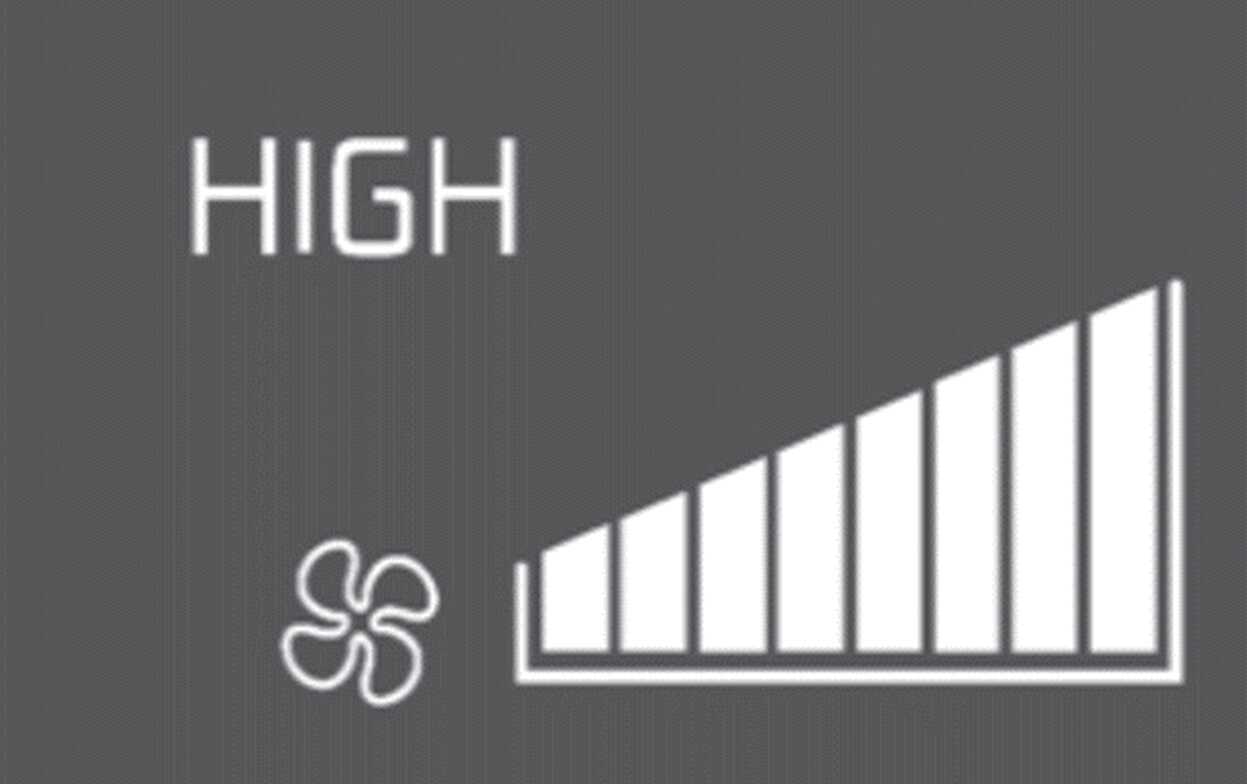
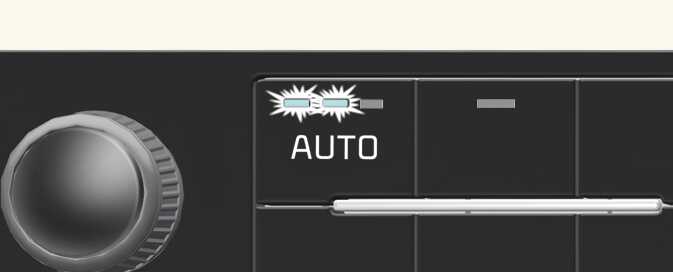
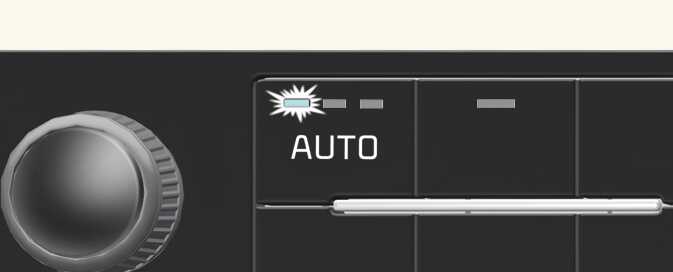
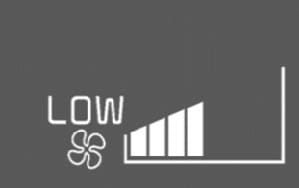
You can control the air flow in three stages by pushing the AUTO button during automatic operation.
Table 1. For Type A (button) Level
Indicator
LCD Display
Air flow
High
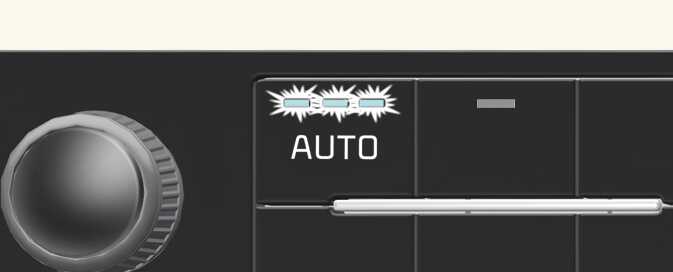 ONQ5H031316
 ODL3049452
2~8
Medium
 ONQ5H031317
 ODL3049451
1~6
Low
 ONQ5H031318
 ODL3049450
1~4
Table 2. For Type B (control panel) Level
Indicator
LCD Display
Air flow
High
 OGL3041306
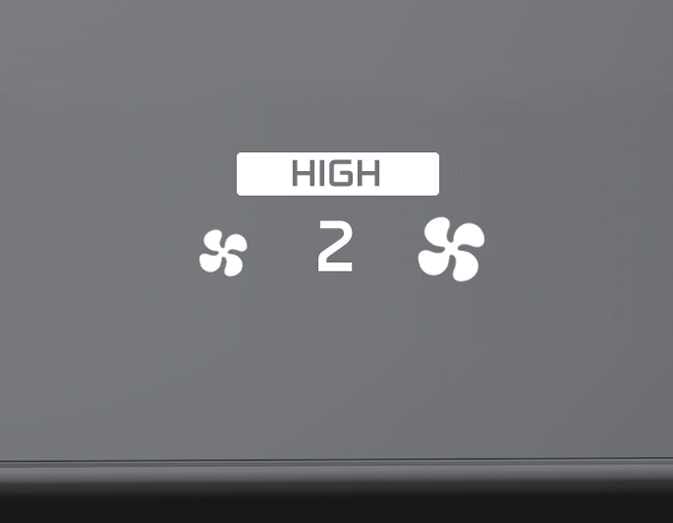 OGL3041309
2~8
Medium
 OGL3041305
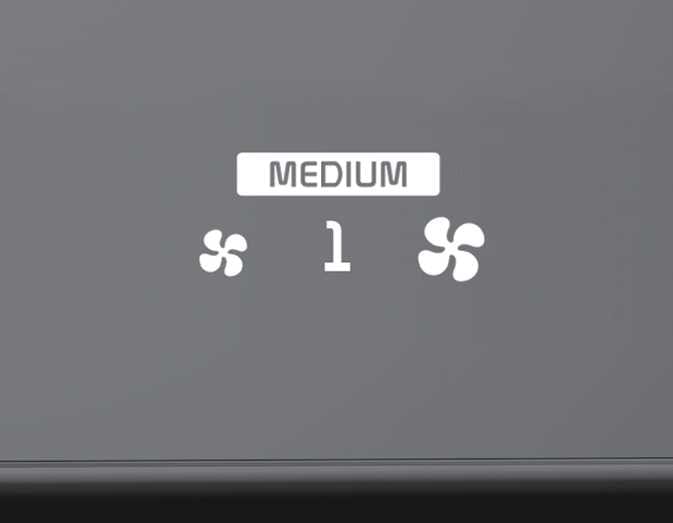 OGL3041308
1~6
Low
 OGL3041304
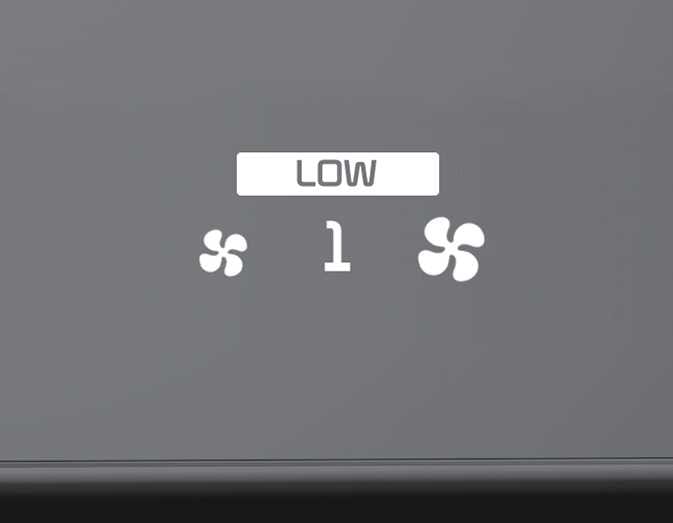 OGL3041307
1~4
-
HIGH: Provide rapid air conditioning and heating with strong wind
-
MEDIUM: Provide air conditioning and heating with medium strength wind
-
LOW: It is suitable for drivers who prefer to soft wind.When you select the temperature to HI or LO in AUTO mode, the wind strength is automatically set to 'HIGH'.
-
-
Set the temperature control switch to the desired temperature.
Figure 3. Type A (button) 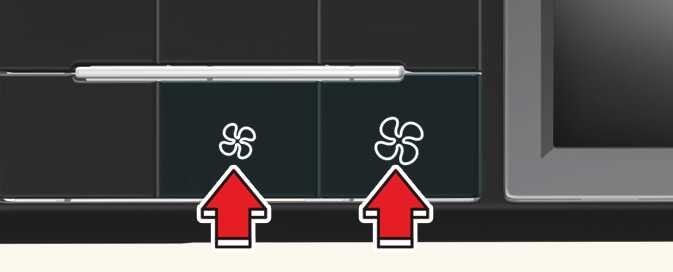 ONQ5031322
Figure 4. Type B (control panel)  ONQ5031305
The climate control system is automatically controlled according to the desired temperature.
-
To turn the automatic operation off, select any of the following buttons or switches:
-
Mode selection button
-
Air conditioning (A/C) button
-
Front windshield defroster button (Press the button one more time to deselect the front windshield defroster function. The 'AUTO' sign will appear on the information display once again.)
-
Fan speed control switch
The selected function will be controlled manually while other functions operate automatically.
-
-
For your convenience and to improve the effectiveness of the climate control, use the AUTO button and set the temperature to 72 °F (22 °C).
Do not place anything over the sensor located on the instrument panel to ensure better control of the heating and cooling system.