

Warning Volume
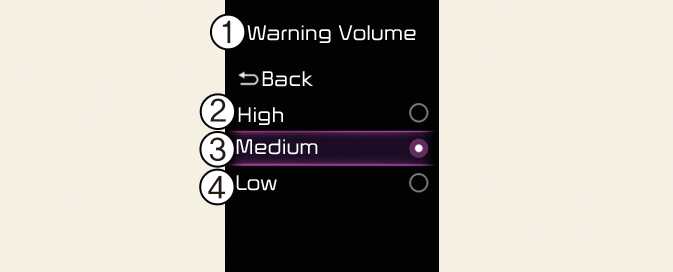
ONQ5031371N3
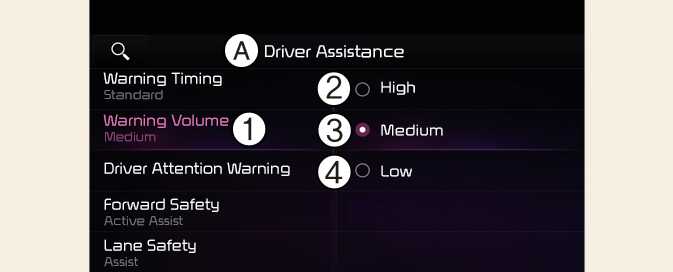
ONQ5051052N3
A: Driver Assistance
-
Warning Volume
-
High
-
Medium
-
Low
With the vehicle on, select Settings → Driver Assistance → Warning Volume from the User Settings menu or select Settings→ Vehicle→ Driver Assistance→ Warning Volume from the infotainment system to change the warning volume to High, Medium, or Low for Safe Exit Warning.
If you change the warning volume, the warning volume of other Driver Assistance systems may change.
CAUTION
The setting of the Warning Volume applies to all functions of Safe Exit Warning.