

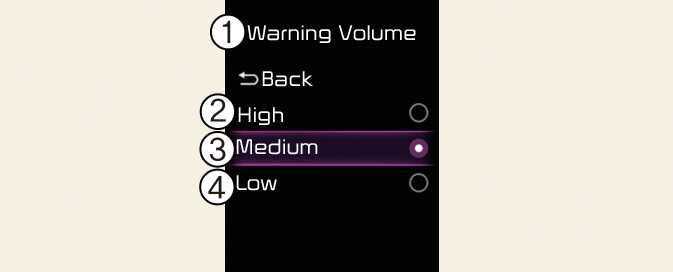
Warning Volume
ONQ5031371N8
ONQ5051052N8
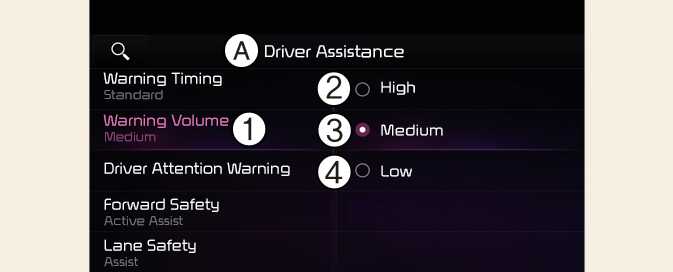
A: Driver Assistance
-
Warning Volume
-
High
-
Medium
-
Low
Select Settings → Vehicle → Driver Assistance → Warning Volume from infotainment system screen to change the Warning Volume to High, Medium, Low for Reverse Parking Distance Warning.
NOTE
If you change the Warning Volume, the warning volume of other Driver Assistance systems may change.