

Warning Timing
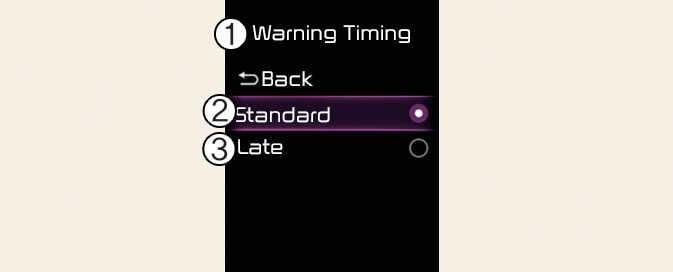
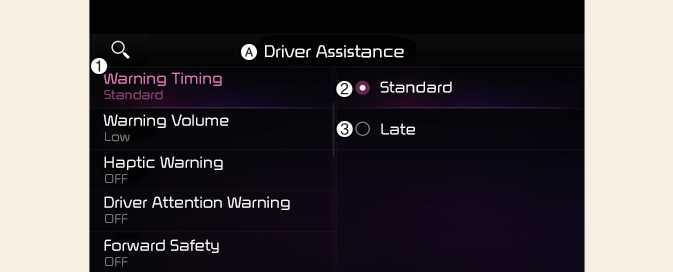
A: Driver Assistance
-
Warning Timing
-
Standard
-
Late
With the vehicle on, select User Settings → Driver Assistance → Warning Timing from the settings menu in the instrument cluster or select Setup→ Vehicle → Driver Assistance → Warning Timing from the infotainment system to change the initial warning activation time for Driver Attention Warning.
-
Standard: Use in a normal driving environment. If Driver Attention Warning operates too sensitive, set the warning timing to Late.
-
Late: The warning timing will be late
-
If you change the Warning Timing, the warning time of other Driver Assistance systems may change.
-
If the vehicle is restarted, Driver Warning Time will maintain the last setting.