

Camera settings
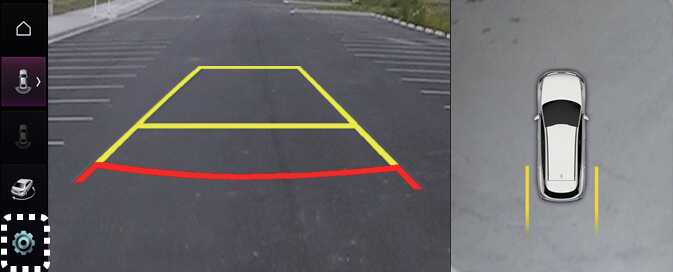
ONQ5EP041225L
With the vehicle on, select the setup icon (
 ) on the screen or
Driver assistance →
Parking safety →
Camera settings from the Settings menu to change the Rear View Monitor settings.
-
Display Contents: To change the settings of Top view parking guidance, Parking guide in rear view, and Parking distance warning function.
-
Display Settings: To change the screen's brightness and contrast.: (if equipped)