

Setting the default mode
 OCV041559L |
Operation
-
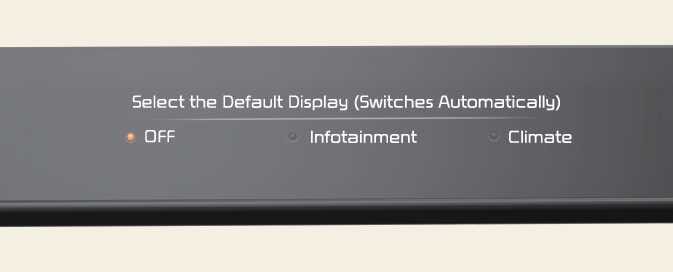
Press and hold the button to select the default mode for the control panel.
-
After the setting, the control panel will return to the default mode after a certain period of time even if the control panel is switched to the different mode.
-
If the mode is set to 'OFF', the control panel will display the mode used recently.