

Charging status
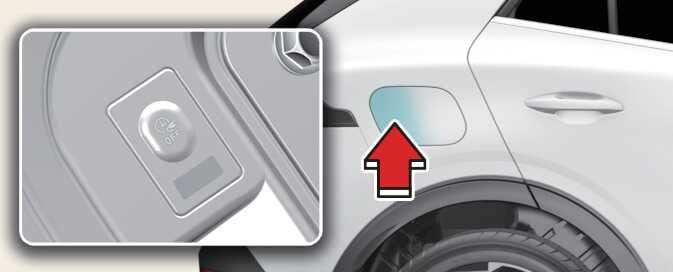 ONQ5EPQ015003 |
You can check the charging status at the outside of vehicle when charging or using (it is not driving status) the high-voltage battery.
It takes about 2–3 hours or more to complete charging.
|
Classification |
Details |
Operation of charging indicator lamp |
|||
|---|---|---|---|---|---|
|
Mode |
Status |
Charging inlet |
Charging button |
||
|
A |
READY |
Non-charging state |
0–65% |
On (Yellow) |
Off |
|
65–100% |
On (Green) |
Off |
|||
|
B |
Aux. Battery Saver/High voltage warning |
Charging the 12V auxiliary battery/High voltage warning state |
On (Red) |
Off |
|
|
C |
Charging |
Charging |
0–65% |
Blinking (Yellow) |
Off |
|
65–100% |
Blinking (Green) |
Off |
|||
|
D |
Charging complete |
Charging completed (turns off in 5 seconds) |
100% |
|
Off |
|
E |
Charging failed |
Error while charging |
Blinking (Red) |
Off |
|
|
F |
Scheduled charging standby |
Reserved charging is operating (turns OFF after 3 minutes) |
Off |
On |
|
|
G |
Error |
CAN communication error status |
|
Off |
|