

Controlling heating and air conditioning automatically
 OCV041303 |
Operation
-
Set the desired temperature.
-
Press the AUTO button to control:
-
Mode
-
Fan speed
-
Air intake
-
Air conditioning
-
|
Level |
Indicator |
LCD Display |
Air flow* |
|---|---|---|---|
|
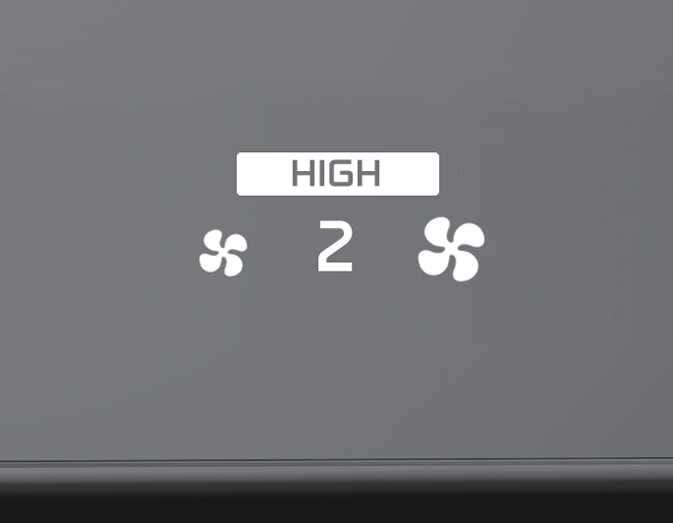
High |
 OGL3041306 |
 OGL3041309 |
2–8 |
|
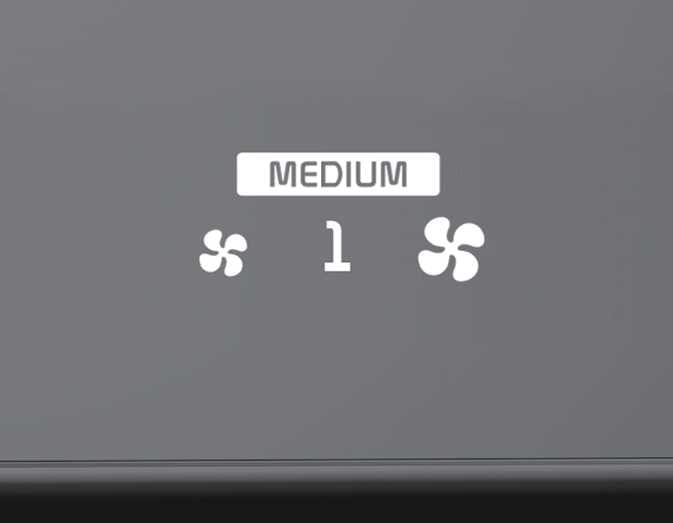
Medium |
 OGL3041305 |
 OGL3041308 |
1–6 |
|
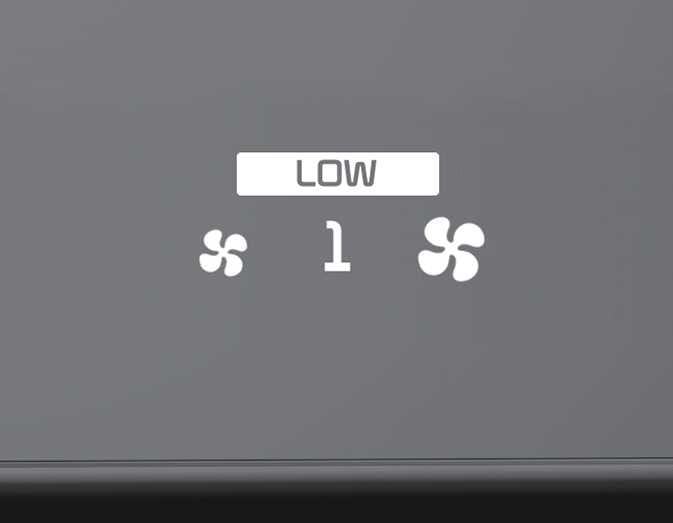
Low |
 OGL3041304 |
 OGL3041307 |
1–4 |
Air flow level is not offered for European specification vehicles.
-
To turn the automatic operation off, select any button or switch of the following:
-
Mode selection button
-
Fan speed control button
-
Front windshield defroster button (Press the button one more time to deselect the front windshield defroster function. The AUTO sign will appear on the information display once again.)
The selected function will be controlled manually while other functions operate automatically.
-
-
For your convenience and to improve the effectiveness of the climate control, use the AUTO button and set the temperature to 22 °C (72 °F).