

LCD Display Modes
The LCD display provides 5 modes. You can switch modes by pressing the Mode button.
|
|
||||
|---|---|---|---|---|
 Driving Assist |
 Trip Computer |
 Turn By Turn (TBT)* |
Information/Master Warning |
|
|
Up/Down |
Forward Collision-Avoidance Assist Lane Keeping Assist Blind-Spot Collision-Avoidance Assist Smart Cruise Control Lane Following Assist Highway Driving Assist* |
Drive Info |
Route Guidance |
Driving force distribution/Energy flow (AWD)* |
|
Intelligent Speed Limit Assist |
Since Refueling |
Destination Info |
TPMS |
|
|
Accumulated Info |
The Master Warning mode displays warning messages related to the vehicle when one or more systems is not operating normally. |
|||
|
AUTO STOP |
||||
|
Speedometer |
||||
 Mode
Mode




The information provided may differ depending on which functions are applicable to your vehicle.
Keep the engine running when configuring the display settings to prevent the battery from discharging.
Driving Assist mode
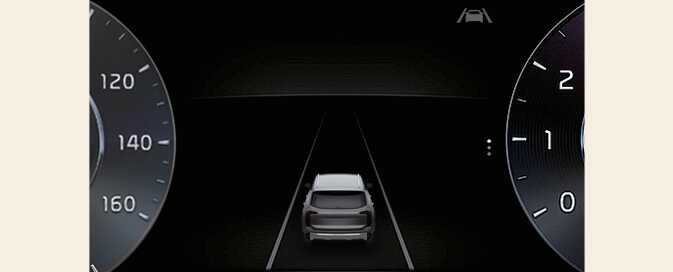
This mode displays the state of:
-
Forward Collision-Avoidance Assist
Lane Keeping Assist
Blind-Spot Collision-Avoidance Assist
Smart Cruise Control
Lane Following Assist
Highway Driving Assist*
-
Intelligent Speed Limit Assist
For more details, refer to each system information in Driving your vehicle.
Trip Computer mode
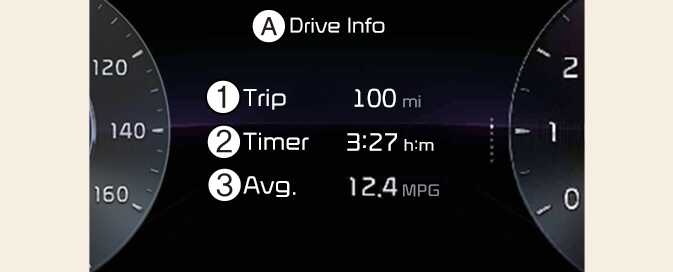
A: Drive info
-
Accumulated trip distance
-
Total driving time
-
Average fuel efficiency
The trip computer mode displays information related to vehicle driving parameters including fuel economy, tripmeter information and vehicle speed.
For more details, refer to Trip information (trip computer).
Turn By Turn (TBT) mode
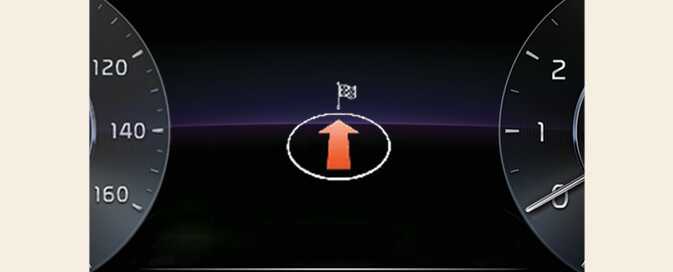
This mode displays the state of the navigation.
Information mode
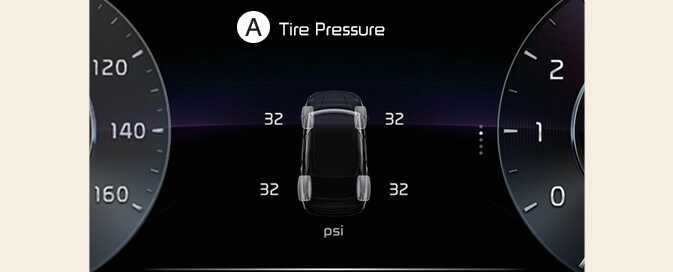
A: Tire Pressure
Information related to Tire Pressure.
Refer to Tire Pressure Monitoring System (TPMS).
-
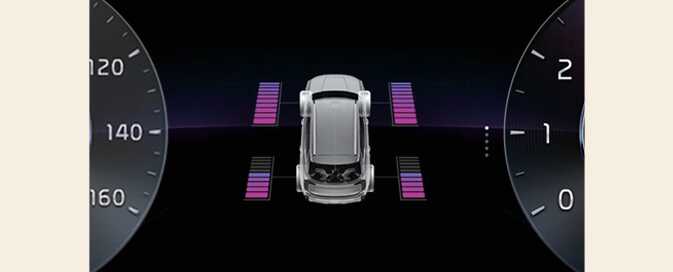
This mode informs the driver of their energy flow in various operating modes.
-
The distribution status of the driving power of the front and rear wheels are displayed when Auto 4WD mode is activated. For more details, refer to All Wheel Drive (AWD) system.
Master warning mode
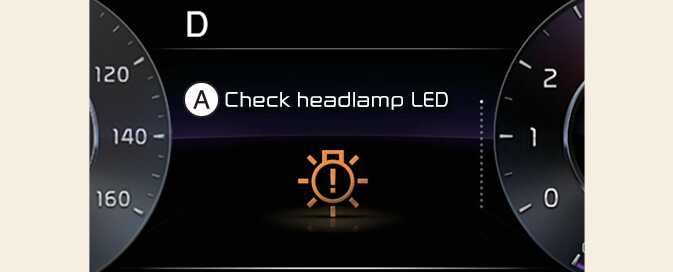
A: Check headlamp LED
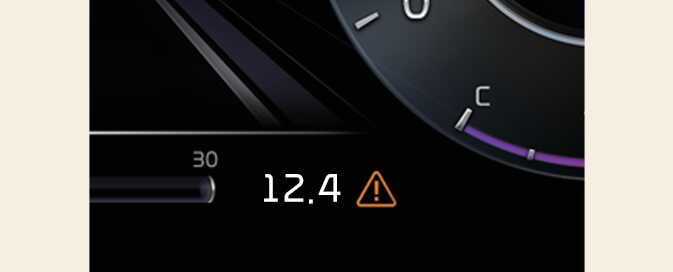
This warning light informs the driver of the following situations.
-
Driver assistance system malfunction, limitation or radar/camera blockage
-
LED headlamp malfunction
-
Lamp malfunction
-
TPMS failure, low tire pressure, etc.
Information icon (
 ) will change to a Master Warning icon(
 ). For Full LCD cluster (Type B), the same Master Warning icon (
 ) will appear under the Power gauge.
If the warning situation is resolved, the master warning light will be turned off and the Master Warning icon will disappear.