

Rear Top View
OON0522080
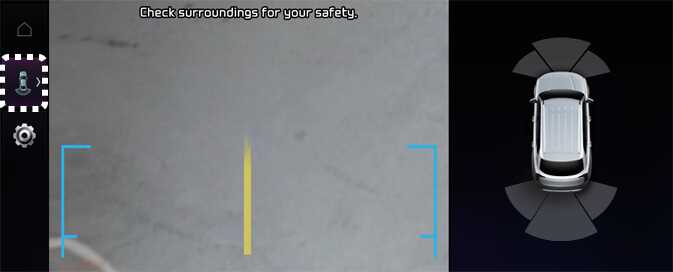
Rear Top View shows the rear top view of your vehicle when parking for you to check the distance between an object and behind the vehicle.
Rear Top View will turn on under the following conditions:
-
The gear is shifted to R (Reverse) and the icon is selected among the view buttons.
-
The Parking/View button is pressed, while the gear is in P (Park), N (Neutral) or D (Drive), and vehicle speed is 6 mph (10 km/h) or less.