

USB port
Use the USB port to plug in a USB stick.
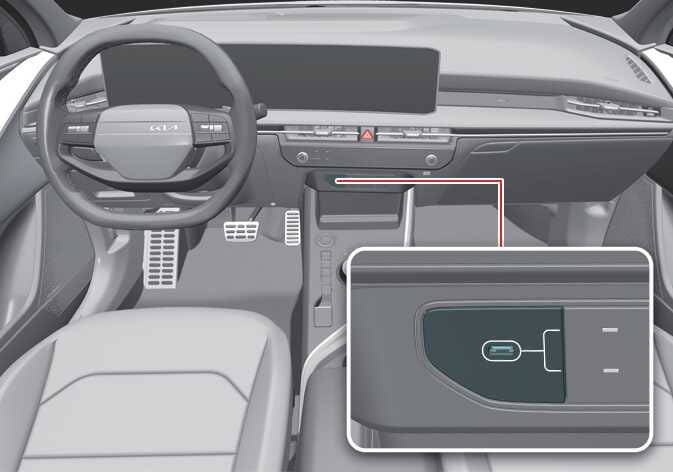 OSG2H086010L |
Press the button and when the USB port and charger indicator light turns on, you can use the USB port to plug in a USB.
Do not forcibly close the tray cover if it does not fit over the USB stick. Forcing it closed can damage the USB port, the USB stick, or the cover.
Some devices may not charge when connected to the USB port.
When using a portable audio device connected to the power outlet, noise may occur during playback. If this happens, disconnect the USB cable and use the portable audio device’s own power source.
If the USB stick is stuck, forcibly opening the cover can also damage the device.
If the USB stick does not fit into the space, do not close the cover. Try another USB stick of a different size.