

Auto Highway Speed Change
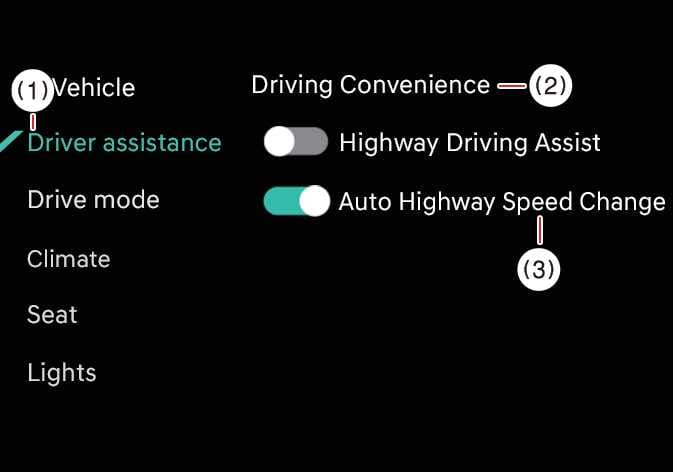 OCL4M055127N |
|
While the vehicle is ON, tap on the infotainment system screen.
WARNING
-
Towing a trailer or installing a carrier may reduce control stability. If necessary, disable the function and always drive with caution.
-
Do not use the system when towing another vehicle or when other equipment that affects sensor operation or vehicle balance is installed, as it may not operate properly.
TIP
If there is a problem with Navigation-based Smart Cruise Control, you cannot turn the function ON in the settings menu.