

LCD display messages
If a message appears on the LCD display, refer to the next section for the appropriate steps to take.
Shifting conditions not met. Reduce speed, then shift
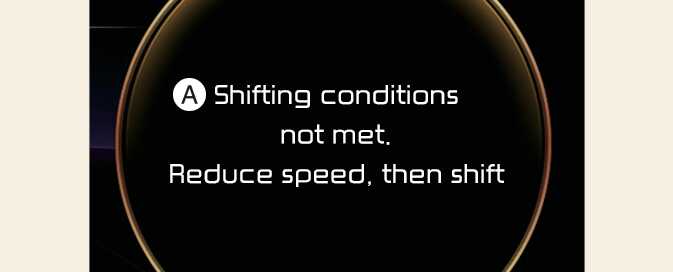
A: Shifting conditions not met, Reduce speed, then shift
The message appears on the LCD display in the following conditions:
-
When driving speed is too fast to shift the gear. Decrease the vehicle speed or slow down before shifting the gear.
-
When the gear is shifted while the vehicle is in Utility mode.
Press brake pedal to change gear
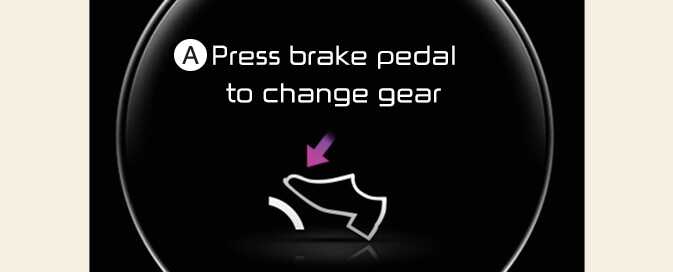
A: Press brake pedal to change gear
The message appears on the LCD display, when the brake pedal is not depressed while shifting the gear.
Depress the brake pedal and then shift the gear.
Shift to P after stopping

A: Shift to P after stopping
The message appears on the LCD display when the gear is shifted to P (Park) while the vehicle is moving.
Stop the vehicle before shifting to P (Park).
Gear already selected

A: Gear already selected
The message appears on the LCD display when the selected gear position is shifted again.
PARK malfunction. Engage parking brake when parking vehicle
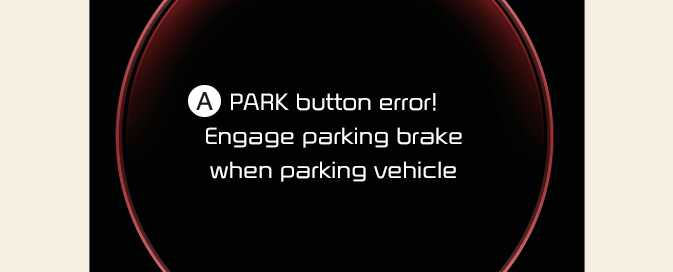
A: PARK malfunction. Engage parking brake when parking vehicle
The message is displayed when there is a problem with function engaging P (Park) position.
Immediately have the vehicle inspected by an authorized Kia dealer.
Check P button

A: Check P button
The message appears on the LCD display when there is problem with the P button.
Immediately have the vehicle inspected by an authorized Kia dealer.
Check shifter dial

A: Check shifter dial
The message appears on the LCD display when there is problem with shift dial and P button.
Immediately have the vehicle inspected by an authorized Kia dealer.
Rotary shifter stuck

A: Rotary shifter stuck
The message appears on the LCD display when the shifter dial is continuously stuck or there is problem with the shifter dial.
Make sure that there is no object over the shifter dial. If the problem persists, immediately have the vehicle inspected by an authorized Kia dealer.
Shift button held down
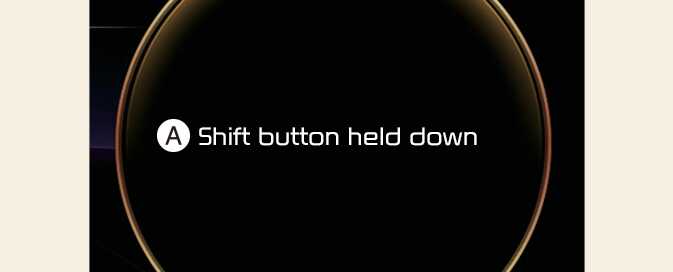
A: Shift button held down
The message appears on the LCD display when the shifter button is continuously pressed or there is problem with the button.
Make sure that there is no object over the shift button. If the problem persists, immediately have the system checked by an authorized Kia dealer.