Remote Smart Parking button
|
Parking/View button |
Smart key |
|---|---|
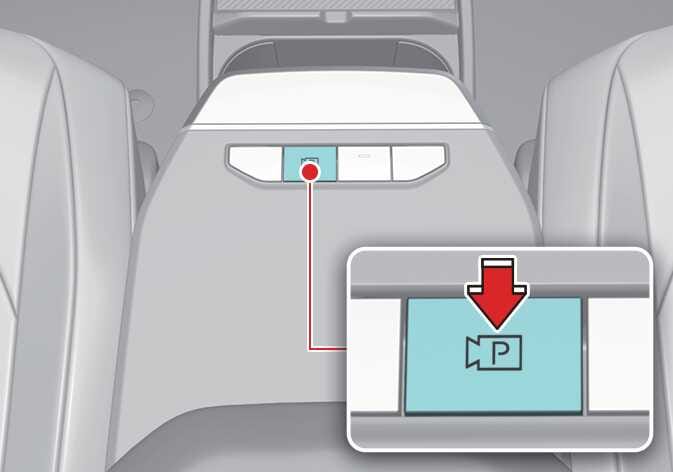 OSV054014 |
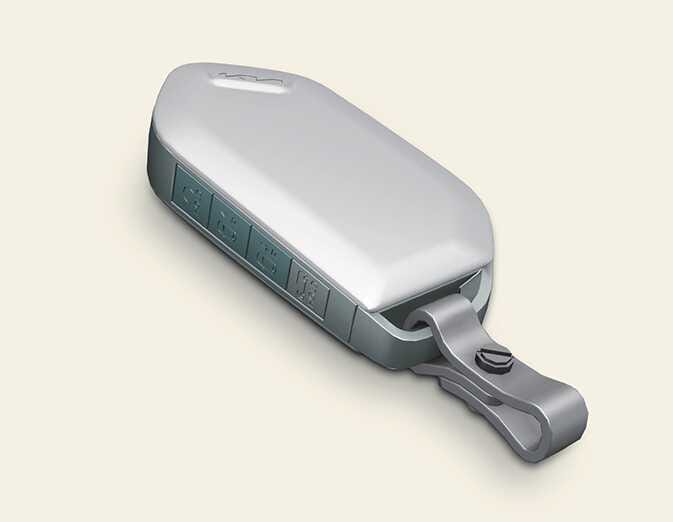 OMV053079 |
|
Location |
Name |
Symbol |
Description |
|---|---|---|---|
|
Inside vehicle |
Parking/View button |
|
|
|
Smart key |
Remote Start button |
|
|
|
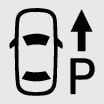
Forward button |
|
When using Remote Smart Parking function, regardless of which direction button is pressed, reverse parking is supported while the button is pressed. |
|
|
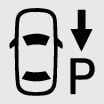
Backward button |
|