

Lane Keeping Assist activation
-
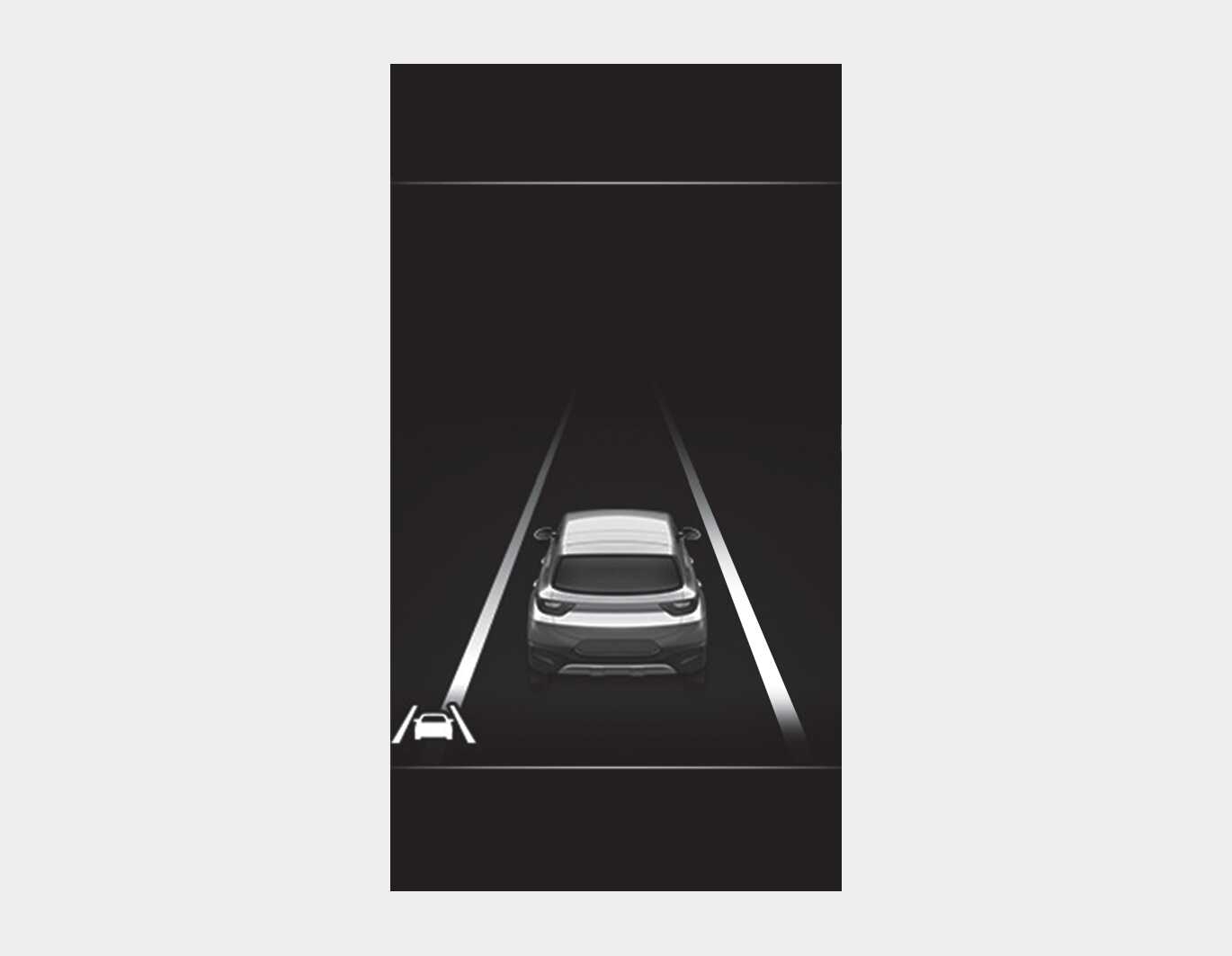
To see Lane Keeping Assist screen on the LCD display in the cluster, Tab to the DRIVER ASSIST mode (
 ).
-
For further details, refer to LCD display modes.
-
After Lane Keeping Assist is activated, if both lane markers are detected, vehicle speed is over 60 km/h (37 mph) and all the activation conditions are satisfied, a green steering wheel indicator will appear and the steering wheel will be controlled.
Lane Keeping Assist is a function to help prevent the driver from leaving the lane. However, the driver should not solely rely on the function but always check the road conditions when driving.
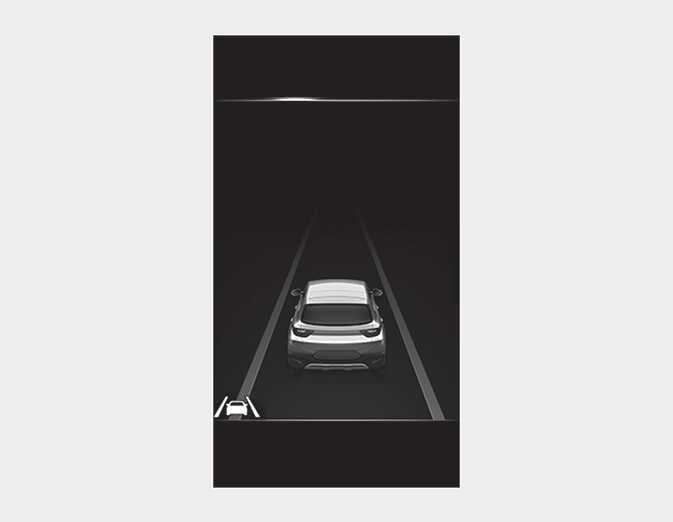
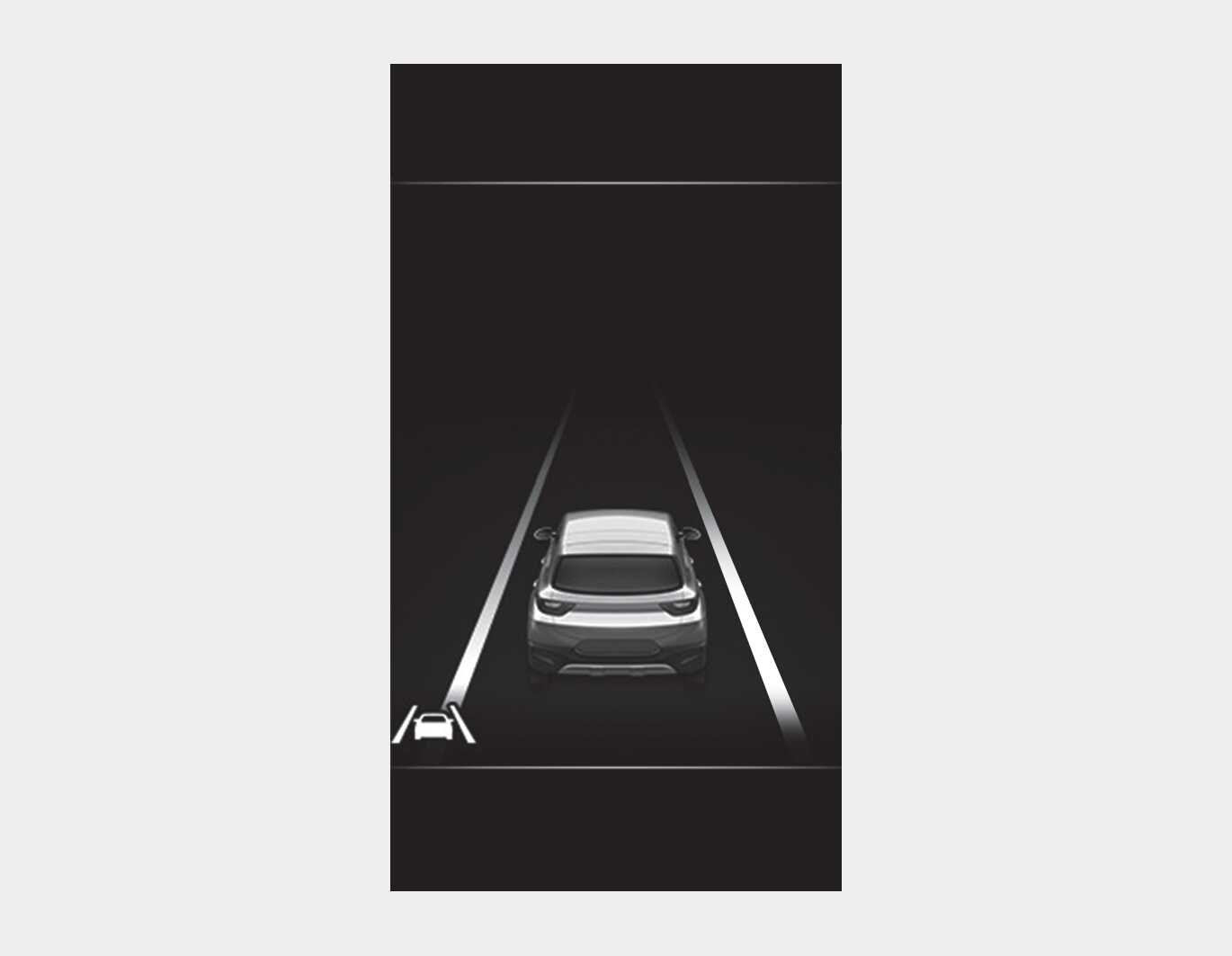
If the speed of the vehicle is over 60 km/h (37 mph) and the function detects lane markers, the color changes from gray to white.