

To set speed limit
-
Press the Driving Assist button twice on the steering wheel, to turn the function on.
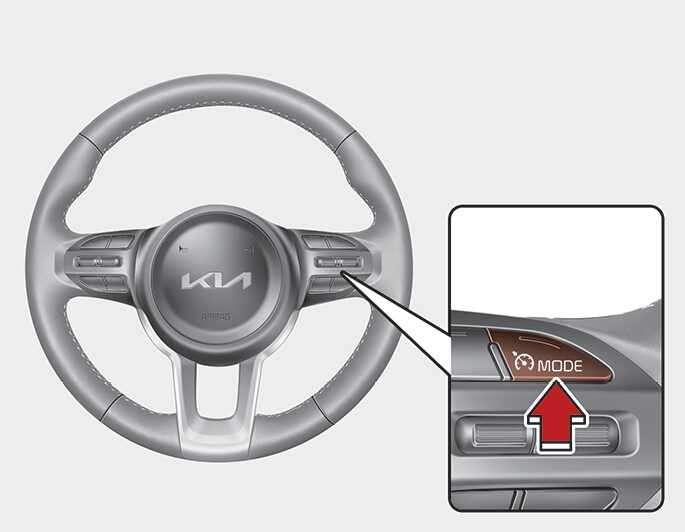 OYB051284L
The speed limit indicator light will appear.
-
Move the switch down (to SET-).
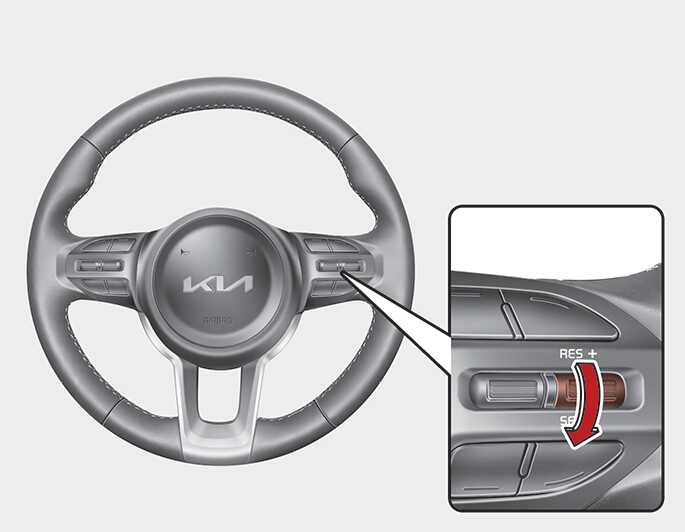 OYB051281L
-
Move the switch up (to RES+) or down (to SET-), and release it at the desired speed. Move the switch up (to RES+) or down (to SET-) and hold it.The speed will increase or decrease by 5 km/h (3 mph).
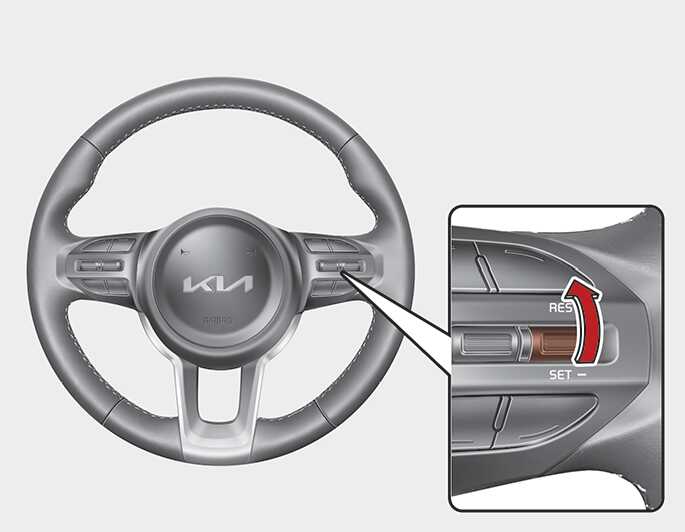 OYB051282L
The set speed limit will be displayed on the cluster.
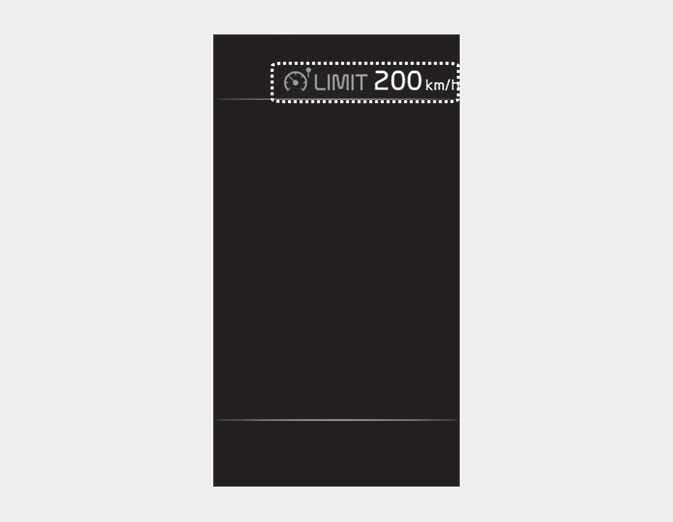
To drive over the preset speed limit you must depress hard on the accelerator pedal (more than approximately 80%) until the kick down mechanism works with a clicking noise. Then the set speed limit will blink and chime will sound until you return the vehicle speed within the speed limit.
-
Depressing the accelerator pedal less than approximately 50%, the vehicle will not speed over the preset speed limit but maintain the vehicle speed within the speed limit.
-
A clicking noise heard from the kick down mechanism by depressing the accelerator pedal fully is a normal condition.