

Setting
-
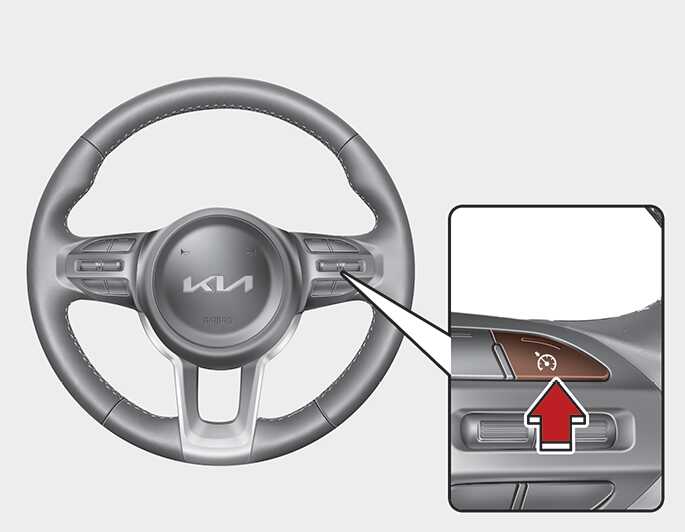
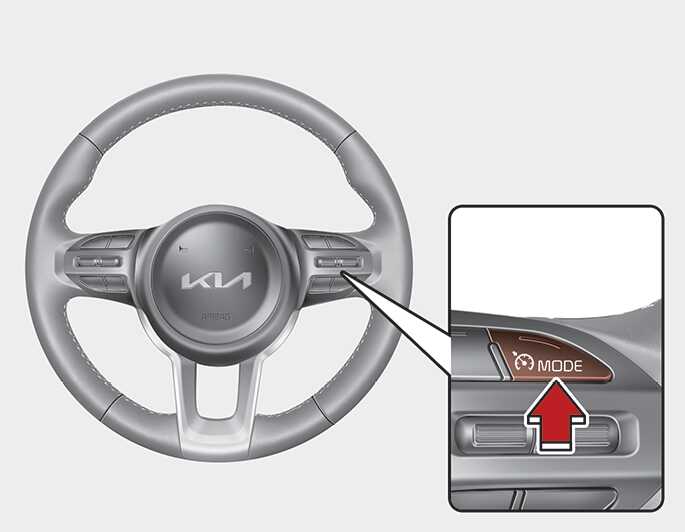
Press the Driving Assist button to turn the function on. The CRUISE indicator in the instrument cluster will appear.
-
Accelerate to the desired speed. Smart Cruise Control speed can be set as follows:
-
Push down the SET- switch and hold it. Your vehicle set speed is below 10 km/h (5 mph) and over 180 km/h (110 mph).
-
-
The cruise indicator light will appear. distance indicator on the cluster is appeared and the CRUISE indicator is illuminated continuously.
-
If there is no vehicle in front of you, the set speed will be maintained, but if there is a vehicle in front of you, the speed may decrease to maintain the distance to the vehicle ahead. If the vehicle ahead accelerates, your vehicle will travel at a steady cruising speed after accelerating to the set speed.
-
If your driving speed is between 10~ 30 km/h (5~ 20 mph) when you press the Driving Assist button, Smart Cruise Control speed will be set to 30 km/h (20 mph).
-
The Driving Assist button symbol may be different per vehicle such as (
 /
 ).