

Lane Safety
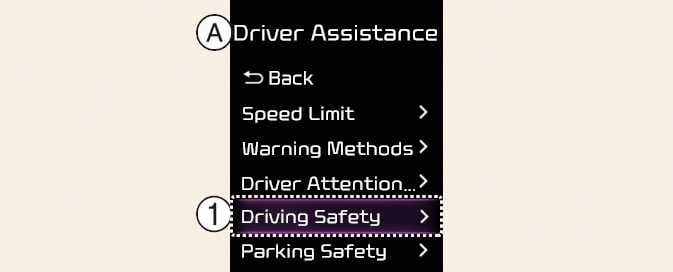 OJAPE063048L |
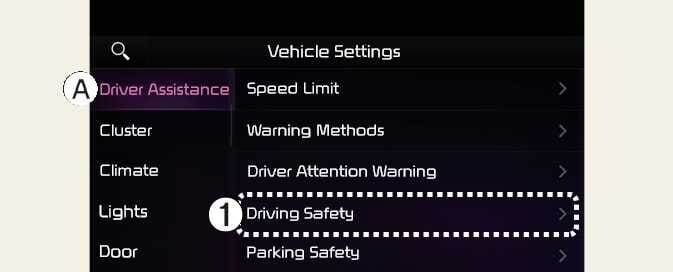 OJAPE073111L |
A: Driver Assistance
-
Driving Safety
With the vehicle on, select User on the instrument cluster, or select on the Infotainment system.
-
Lane Safety: When lane departure is detected, the system assists with steering to prevent leaving the lane, and if lane departure occurs, it alerts the driver with an audible sound. If Lane safety is deselected, the yellow indicator light (
 ) will appear on the cluster.
-
Lane Keeping Assist does not control the steering wheel when the vehicle is driven in the middle of the lane.
-
The driver should always be aware of the surroundings and steer the vehicle if Lane safety is deselected.
-
When the Lane Driving Assist button (
 ) is pressed and held for more than 2 seconds to turn off Lane Keeping Assist, Lane Safety will also be turned off.
-
If turn off the vehicle and restarted, Lane Keeping Assist automatically turns on.