

Turning Lane Keeping Assist On/Off
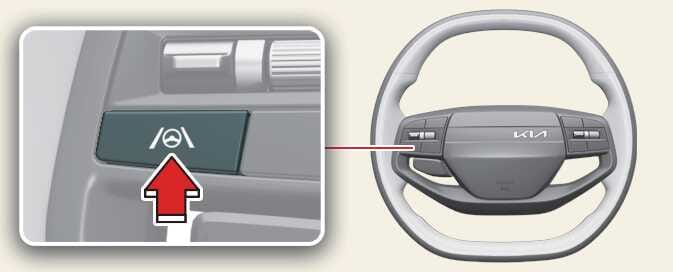 OYB055013L |
Whenever the vehicle is turned on, Lane Keeping Assist will always turn on and a gray indicator light will appear on the cluster.
If you want to turn off Lane Keeping Assist, press and hold the Lane Driving Assist button ( ) more than 2 seconds to turn off the function. The indicator light will turn yellow if you turn off Lane Keeping Assist.
NOTE
-
If Lane Keeping Assist is standby, the gray indicator (
 ) will appear on the cluster.
-
If Lane Keeping Assist is ready to operate, the green indicator (
) will appear on the cluster.