

Warning Methods
 OJAPE063051L |
 ONQ5A053035 |
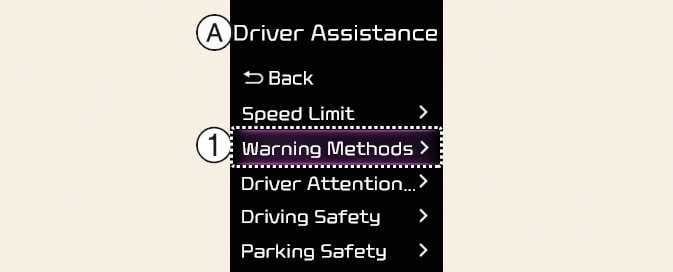
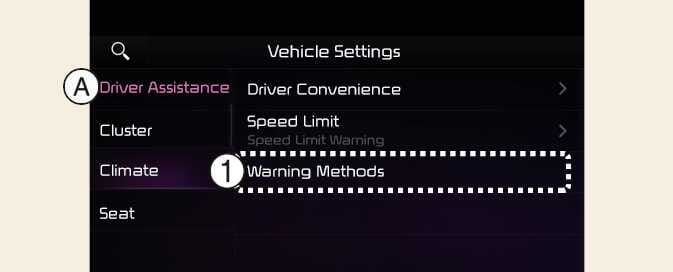
A: Driver Assistance
-
Warning Methods
The Warning Methods can be set with the vehicle on. Select User from the settings menu in the instrument cluster or from the settings menu in the infotainment system to change the following settings:
-
Warning Volume: Adjusts the volume of the warning sound.
-
Speed Limit Warning Sound: The Speed Limit Warning Sound can be turned on or off.
-
Speed Limit Change Notification Sound: The Speed Limit Change Notification Sound can be turned on or off.
-
Press and hold the mute button on the steering wheel to turn on or off the Speed Limit warning sound.
-
If Speed Limit Warning Sound is deselected and the vehicle is restarted, Speed Limit Warning Sound is automatically selected.
-
If you change the Warning Methods, it can be applied to each function of the driver assistance system. Please check and change it in each function.
-
If the vehicle is restarted, Warning Methods will maintain the last setting.
-
The setting menu may not exist based on vehicle specification.