

Warning Methods
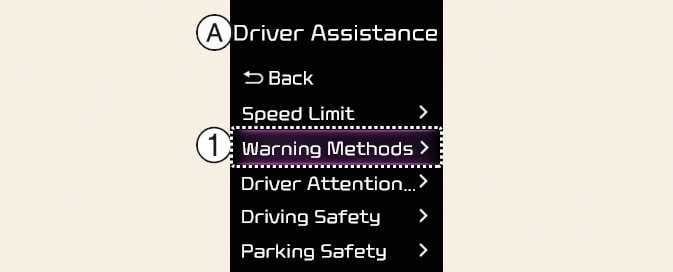 OJAPE063051L |
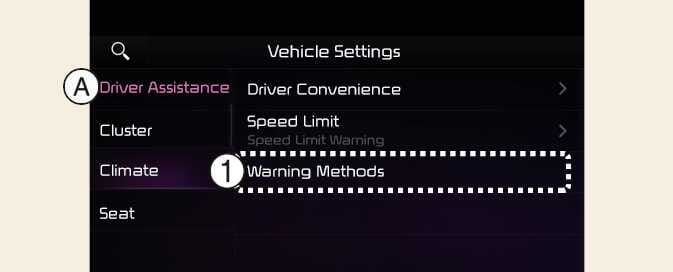 ONQ5A053035 |
A: Driver Assistance
(1): Warning Methods
The Warning Methods can be set with the vehicle on. Select User or
-
Warning Volume: Adjusts the volume of the warning sound.
-
Inattentive Driving Warning Sound (Europe only): Adjusts the volume of the inattentive driving warning sound.
-
Driving Safety Priority: Lowers all other audio volumes when the Driving Safety system sounds a warning.
TIP
-
If you change the Warning Methods, it can be applied to each function of the driver assistance system. Please check and change it in each function.
-
If the vehicle is restarted, Warning Methods will maintain the last setting.
-
The setting menu may not exist based on vehicle specification.