

Settings

Font size


Line spacing






 on the screen or press the [SEARCH] button on the control panel, enter a search term, and then select the item to run.
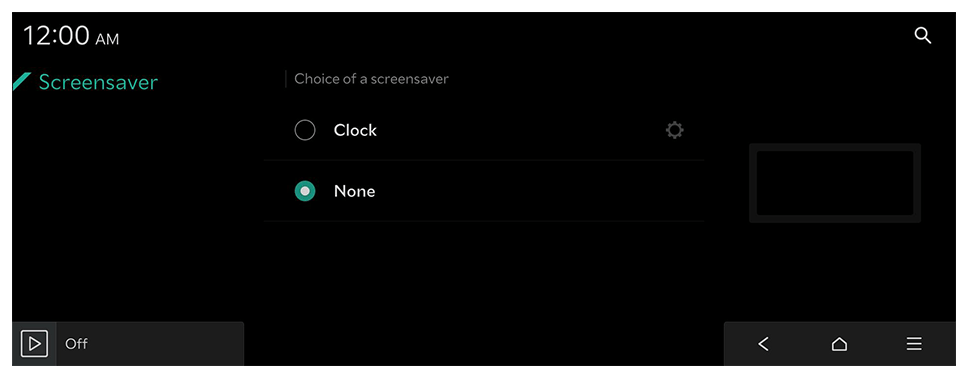 |
 to choose the clock to show on the screen.
Settings
Font size
Line spacing