Settings

Configuring the screen layout settings

Configure settings for the display.
  • Available settings may differ depending on the vehicle model and specifications.
  1. On the Home screen, press Settings ► Layout.
The screen layout settings screen appears.
  1. Configure the settings as required.
  • Press on the screen or press the [SEARCH] button on the control panel, enter a search term, and then select the item to run.
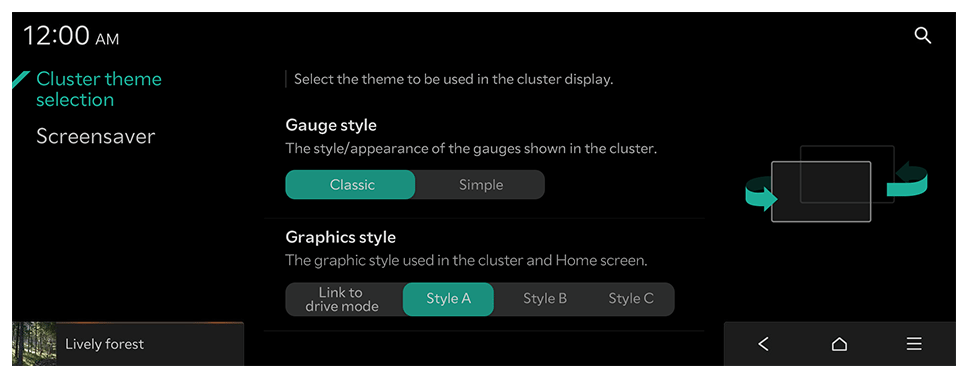
Cluster theme selection (if equipped)

Select the theme to be used in the cluster display.

Gauge style

The style/appearance of the gauges shown in the cluster.

Graphics style

The graphic style used in the cluster and Home screen.

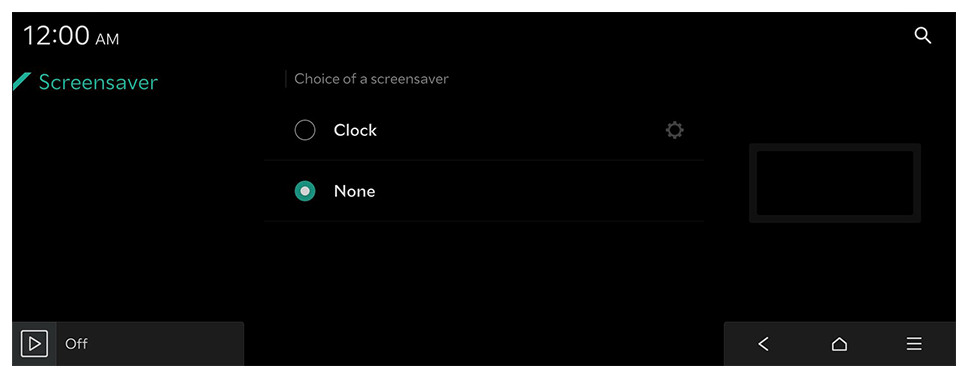
Screensaver

Choice of a screensaver.

Clock

Displays the clock on the system screensaver.
  • Press to choose the clock to show on the screen.

None

Displays nothing on the system screensaver.

Settings

Font size

Line spacing