

Operating button
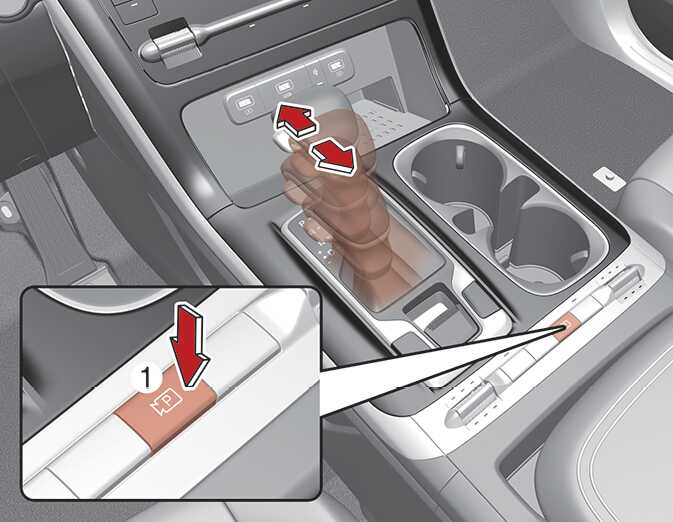
Parking/View button
OKA4040082N1
OKA4040473N
-
Press the Parking/View button (1) to turn on Surround View Monitor. Press the button again to turn off the function.
-
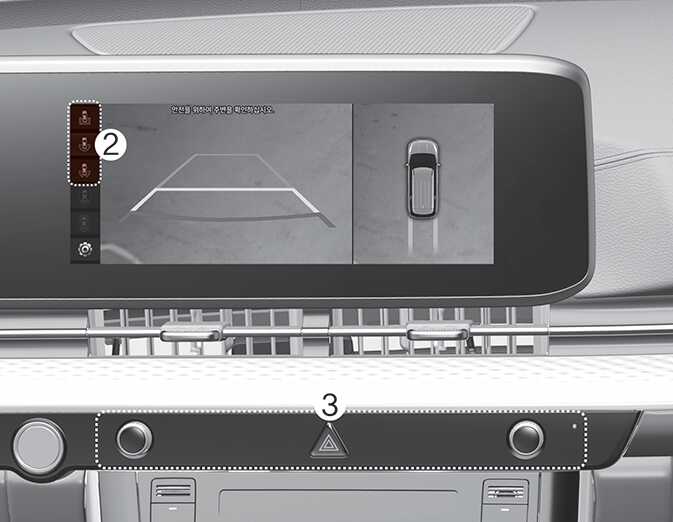
Other view modes can be selected by touching the view icons (2) on the Surround View Monitor screen.
-
When one of the infotainment system button (3) is pressed without the gear in R (Reverse), Surround View Monitor will turn off.