Warning methods
 OMV073123L |
|
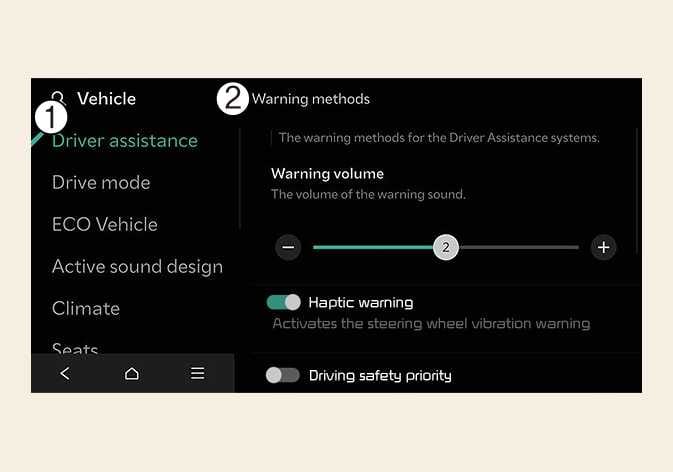
Warning methods can be scan be set with the vehicle on. Select from the settings menu in the infotainment system to change the following settings:
-
Warning volume : Adjusts the volume of the warning sound.
-
Haptic warning : Activate the steering wheel vibration warning. (if equipped)
-
Driving safety priority : Lowers all other audio volumes when the Driving Safety system sounds a warning.
-
Ensure that Warning methods you have set may apply to the Warning methods of other driver assistance systems.
-
Warning methods will maintain its last setting even if the vehicle is restarted.
-
The setting menu may not be available for your vehicle depending on the vehicle features and specifications.
-
The Warning Volume and Haptic Warning cannot be turned off at the same time. When one of the warning is turned off the other is activated.
When the vehicle and the trailer is connected electrically, Lane Keeping Assist automatically turns off. In this case, you cannot get help from Lane Keeping Assist. Always drive with care. (if Kia genuine part equipped)