
Driver Attention Warning setting
Driver Attention Warning
-
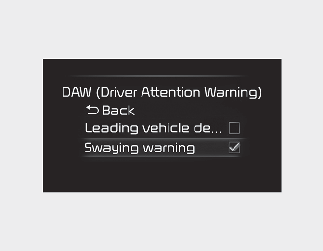
With the ENGINE START/STOP button in the On position, select 'Settings → Driver Assistance → Driver Attention Warning' on the instrument cluster or 'Settings → Vehicle → Driver Assistance → Driver Attention Warning' on the infotainment system to set whether to use each function.
-
If 'Inattentive Driving Warning' is selected, Driver Attention Warning will inform the driver the driver's attention level and will recommend taking a break when the level falls below a certain level.

If the engine is restarted, Inattentive Driving Warning will maintain the last setting.
Leading Vehicle Departure Alert
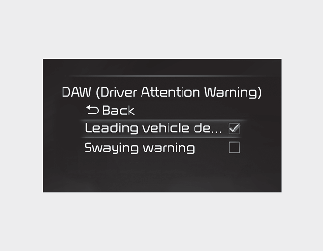
If 'Leading Vehicle Departure Alert’ is selected, the function will inform the driver when a detected vehicle in front departs from a stop.