

Lane Safety
 P_CD27_C00_088_E |
|
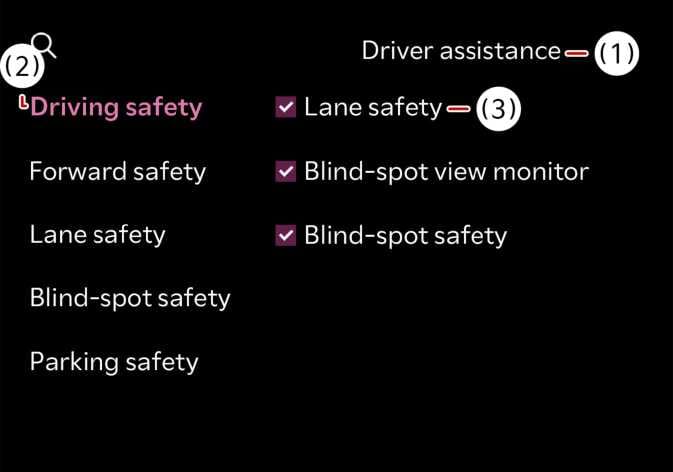
While the vehicle is ON, Select on the infotainment system screen to change the Lane Safety settings.
Lane Safety: When a potential lane departure is detected, the system assists with steering to prevent you from leaving the lane. If you leave the lane, the system alerts you with an audible sound and steering wheel vibration. If you deselect Lane Safety, the indicator light ( ) turns yellow.
-
Lane Keeping Assist does not control the steering wheel when you drive in the middle of the lane.
-
You should always be aware of the surroundings and steer the vehicle if Lane Safety is deselected.
-
When the vehicle is restarted, Lane Keeping Assist always turns on and Lane safety is automatically selected.
-
Pressing the Lane Driving Assist button (
 ) for more than 2 seconds turns OFF Lane Keeping Assist and deactivates Lane Safety.