

Warning Methods
 P_CD27_C00_080_E |
|
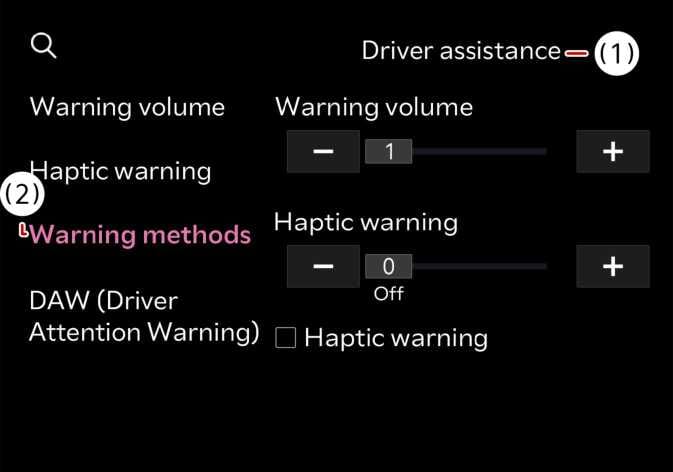
To change the Warning Methods settings while the vehicle is ON. Select from the settings menu in the infotainment system to change the following settings:
-
Warning Volume: Adjusts the volume of the warning sound.
-
Driving Safety Priority: Lowers all other audio volumes when the Driving Safety system sounds a warning.
-
Your Warning Methods settings may apply to the Warning Methods of other driver assistance systems.
-
Warning Methods maintain their last settings when you turn OFF and restart the vehicle.
-
The setting menu may not be available for your vehicle depending on your vehicle features and specifications.
-
When towing a trailer or installing a carrier, vehicle stability may be reduced. Disable the function if necessary and always drive safely with caution.
-
Do not use the system when towing another vehicle or when installing equipment that may affect sensor performance or vehicle balance. The system may not operate properly.