

Setting the speed limit
-
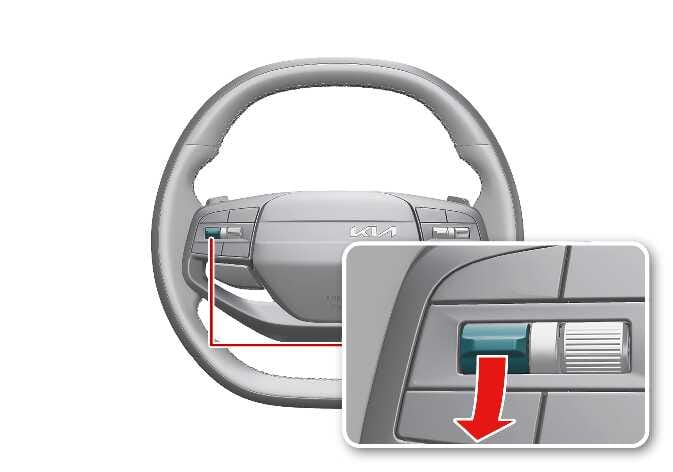
Press and hold the Driving Assist (
 ) button while driving at the desired speed. The Speed Limit (
 ) indicator appears on the instrument cluster.
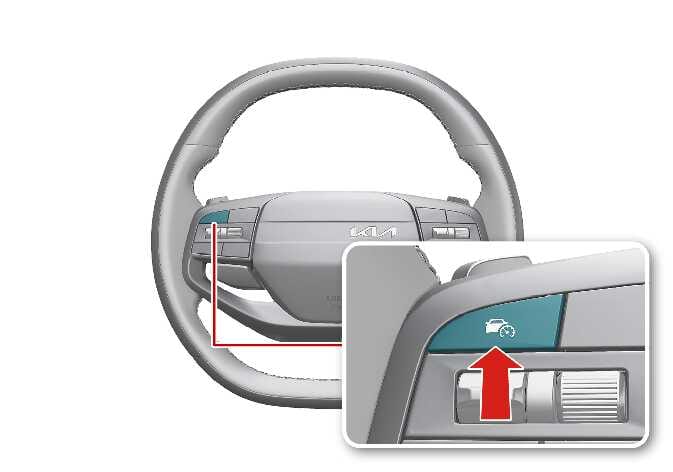 P_CD27_D10_029_1_E
-
Push the (
 ) switch up or (
 ) switch down and release it while driving at the desired speed.
Push the (
) switch up or () switch down and hold it. The speed increases or decreases to the nearest multiple of 10 km/h (5 mph) at first, then increases or decreases by 10 km/h (5 mph).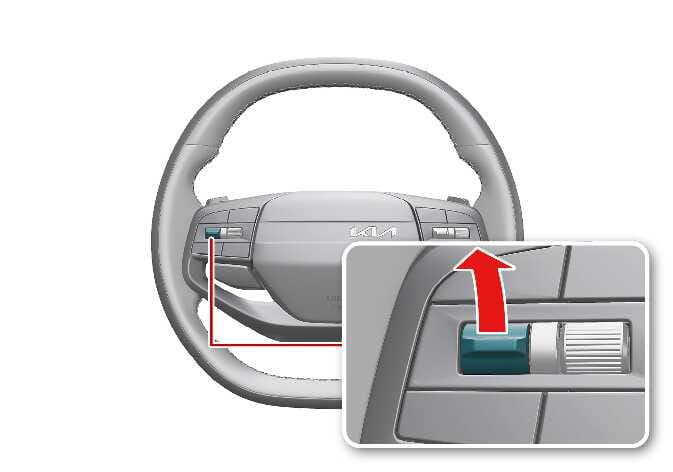 P_CD27_D10_030_1_E
 P_CD27_D10_031_1_E
-
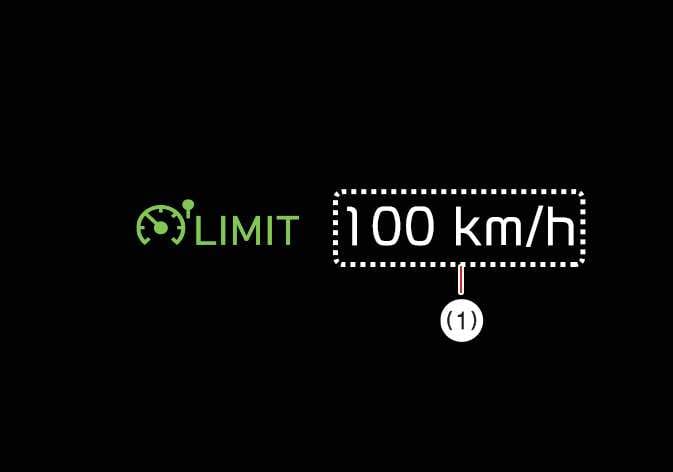
The instrument cluster displays the set speed limit (1).
If you would like to drive over the present speed limit, fully depress the accelerator.
The set speed limit blinks and the chime sounds until you return the vehicle speed to the limit you set.
 OCL4M055113NTIP
-
When the accelerator pedal is not depressed fully, the vehicle maintains the set speed.
-
The set speed may differ depending on the vehicle specifications. You may not increase the set speed above the maximum set speed for your vehicle.
-