

Warning Methods
 P_CD27_C00_080_E |
|
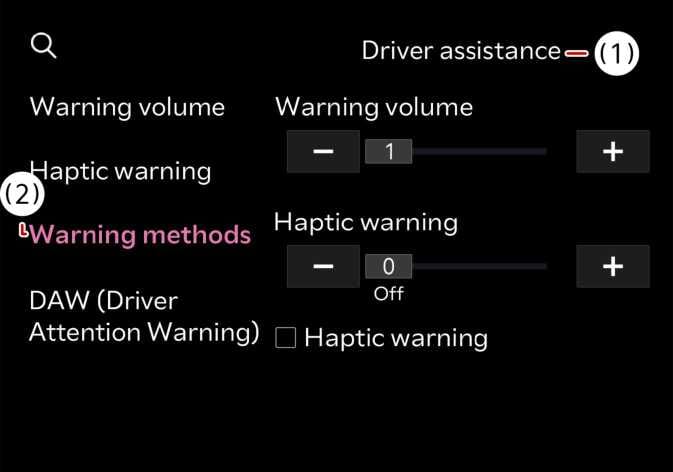
The Warning Methods can be set with the vehicle on. Select from the settings menu in the infotainment system to change the following settings:
-
Warning Volume: Adjusts the volume of the warning sound.
-
Speed Limit Warning Sound: Turns the overspeed warning sound on or off.
-
Speed Limit Change Notification Sound: Turns the speed limit change alert sound on or off.
-
Press and hold the steering wheel’s mute button (
 ) to turn the overspeed warning sound on or off.
-
If you change the Warning Methods, it can be applied to each function of the driver assistance system. Please check and change it in each function.
-
If the vehicle is restarted, Warning Methods will maintain the last setting.
-
The setting menu may not exist based on vehicle specification.
The overspeed warning sound is automatically turned on when the vehicle is off and then on.