

Warning Methods
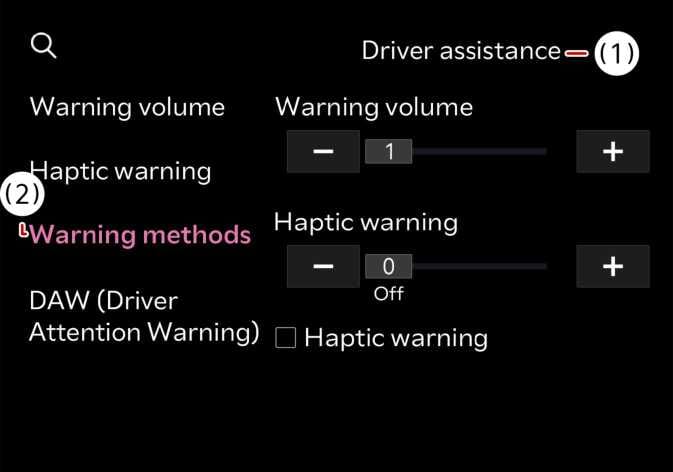 P_CD27_C00_080_E |
|
To change the Warning Methods settings while the vehicle is ON. Select from the settings menu in the infotainment system to change the following settings:
-
Parking Safety Priority: Lowers all other audio volumes when Rear View Monitor is active.
TIP
-
Changing the warning method may also change the warning method of other driver assistance systems. Please consider and change it.
-
Warning Methods maintain their last settings when you turn OFF and restart the vehicle.
-
Rear View Parking Guidelines setting menu may not be available on all vehicles.