

Rear view
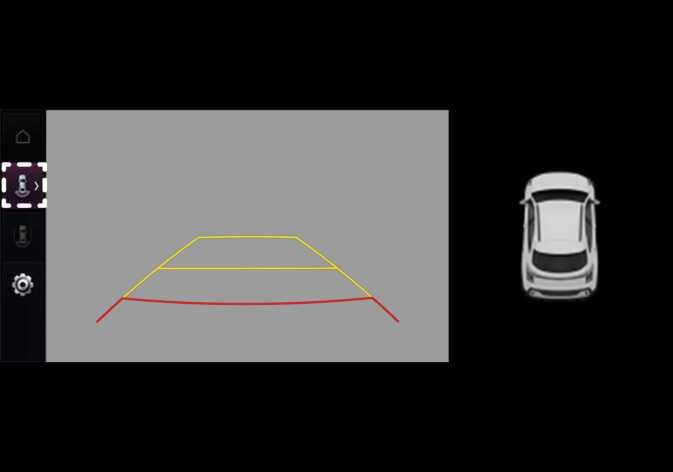 P_CD27_C00_016_E |
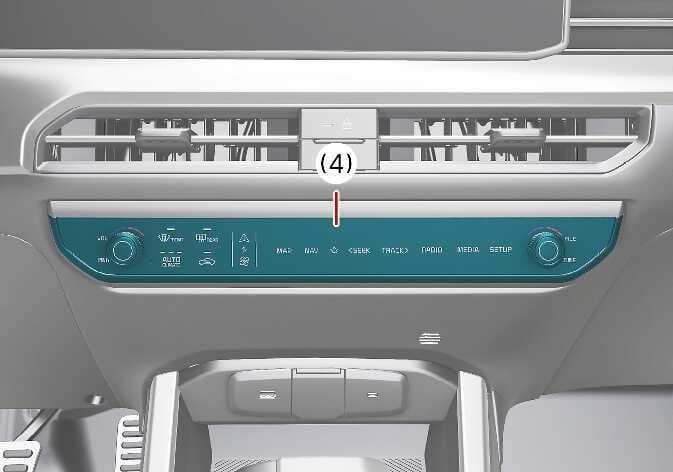 P_CD27_D10_054_E |
(2) View switching button
(3) back button
(4) infotainment system operation button
Operating conditions
-
Shift the gear to R (Reverse), the image will appear on the screen.
-
Shortly press the Parking/View button while the gear is in P (Park), the image will be appear on the screen.
Non-operating conditions
-
The rear view cannot be turned off when the gear is in R (Reverse).
-
Shortly press the Parking/View button (1) again while the gear is in P (Park) with the rear view will turn off.
-
Shift the gear from R (Reverse) to P (Park), the rear view will turn off.