

Heating and air conditioning automatically
-
Press the AUTO button.
The modes, fan speeds, air intake and air-conditioning will be controlled automatically by setting the temperature.
 OCV041303
Level
Indicator
LCD Display
Air flow
High
 OCV041529L
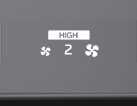 OCV041532L
1–8
Medium
 OCV041530L
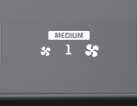 OCV041533L
1–6
Low
 OCV041531L
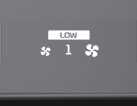 OCV041534L
1–4
-
Turn the temperature control dial to the desired temperature.
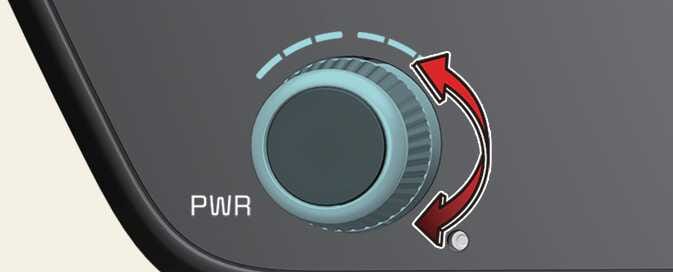 OCV041305L
-
To turn the automatic operation off, select any button or switch of the following:
-
Mode selection button
-
Air conditioning button
-
Front windshield defroster button (Press the button one more time to deselect the front windshield defroster function. The AUTO sign will illuminate on the information display once again.)
-
Fan speed control button
The selected function will be controlled manually while other functions operate automatically.
-
-
For your convenience and to improve the effectiveness of the climate control, use the AUTO button and set the temperature to 72 °F (22 °C).
Never place anything over the sensor located on the instrument panel to ensure better control of the heating and cooling system.
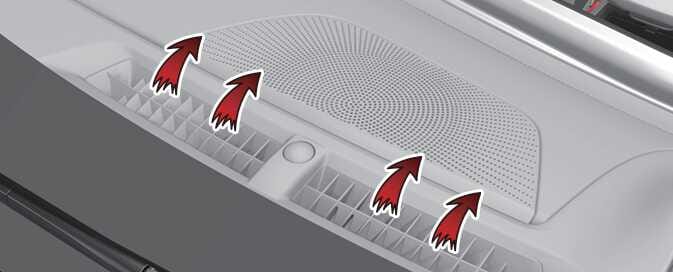 ODL3034421N |