

Power liftgate open/close button (Smart key, Overhead console)
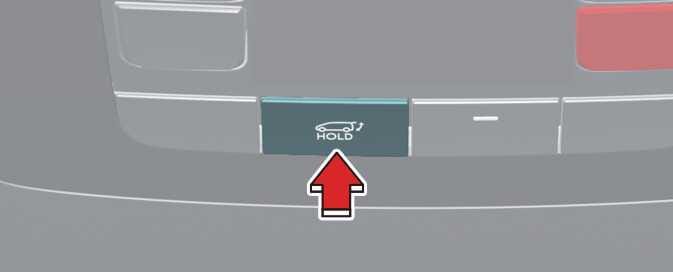 OKA4034028N |
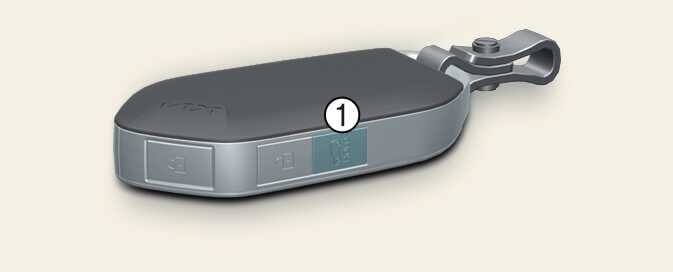 OKA4033032L |
-
Power liftgate open/close button

Press the power liftgate open/close button for 1 second. The liftgate opens or closes with a warning sound.
While the liftgate is opening or closing, press the button to stop liftgate operation.
Make sure that there are no people or objects in the path of the liftgate before pressing the open/close button inside the power liftgate and the smart key. Otherwise, this may cause serious injury to persons or damage to the vehicle or objects.
If the smart key is not within operation range (approximately 10 m) from the vehicle, liftgate operation will stop with a warning sound for 5 seconds.
When the liftgate is closed, press the power liftgate open/close button for 1 second. The power liftgate opens with a warning sound.
While the liftgate is opening, press the button to stop liftgate operation.
When the power liftgate is opened, press and hold the power liftgate open/close button to close the liftgate. If you release the button while the liftgate is closing, power liftgate operation will stop with a warning sound for 5 seconds.
Also, if the smart key is not within operation range (approximately 10 m) from the vehicle, power liftgate operation will stop with a warning sound for 5 seconds.