

Using the infotainment/climate switchable controller

Press the button on the switchable controller to select the infotainment system or climate control panel.
Press and hold the button to select the control panel’s default mode.
Switching between panels
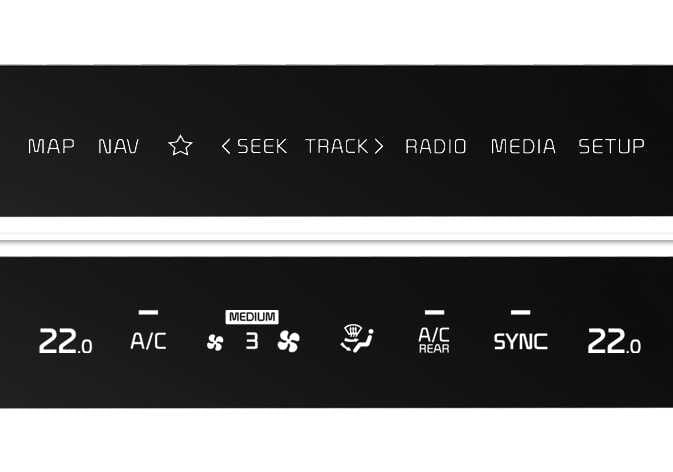 OMQ4A035310 |
Press the button on the switchable controller to select the desired control panel.
The selected control panel icon will illuminate and the control panel will change.
-
The knob display illuminates according to the selected control panel mode.
-
When the vehicle is in ACC, only the infotainment system will activate.
Setting the default mode: (if equipped)
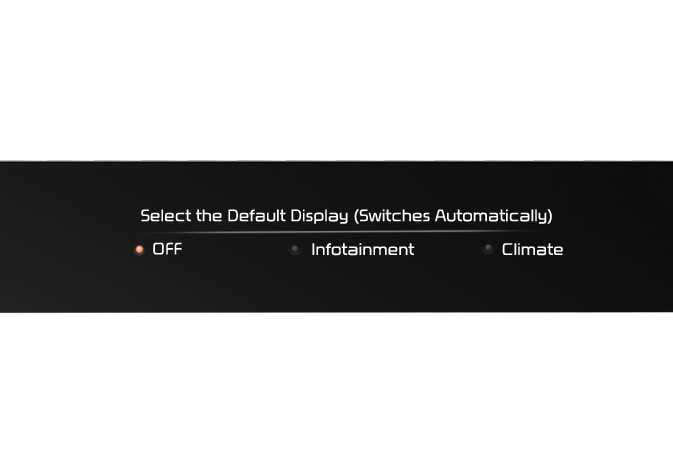 OMQ4A035312 |
Press and hold the button to select the control panel’s default mode.
-
After you set your default mode, the control panel will return to it after a certain period of time, even if you switch the control panel to another mode.
-
If the mode is set to OFF, the control panel will display the mode used most recently.