

Warning Methods
 N_TK25Z012_E |
|
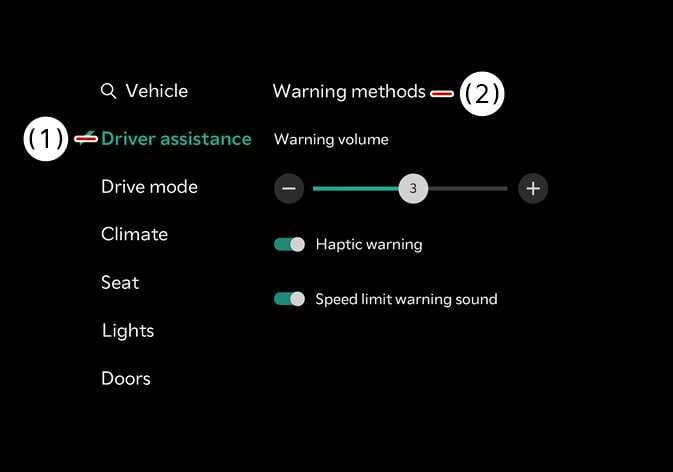
To change the Warning Methods settings while the vehicle is ON, tap on the infotainment system screen. You can change the following settings:
-
Warning Volume: Adjusts the volume of the warning sound.
-
Haptic Warning: Turns ON the steering wheel vibration warning.
-
Lane Safety Audible Warning Off: Turns OFF the Lane Safety Audible Warning, even when both Warning Volume and Haptic Warning are ON.
-
Driving Safety Priority: Lowers all other audio volumes when the Driving Safety system sounds a warning.
-
Your Warning Methods settings may apply to the Warning Methods of other driver assistance systems.
-
Warning Methods maintain their last settings when you turn OFF and restart the vehicle.
-
The Warning Methods setting menu may not be available on all vehicles.
-
The Warning Volume and Haptic Warning cannot be turned off at the same time. When one of the warning is turned off the other is activated.
The Lane Safety Audible Warning Off can be set when both the Warning Volume and the Haptic Warning are on