Utility information view
|
LCD displays |
Displayed contents |
|---|---|
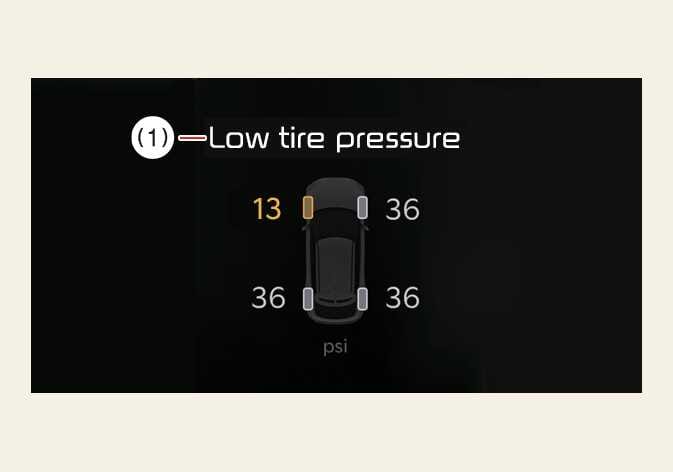 OSV034118L |
|
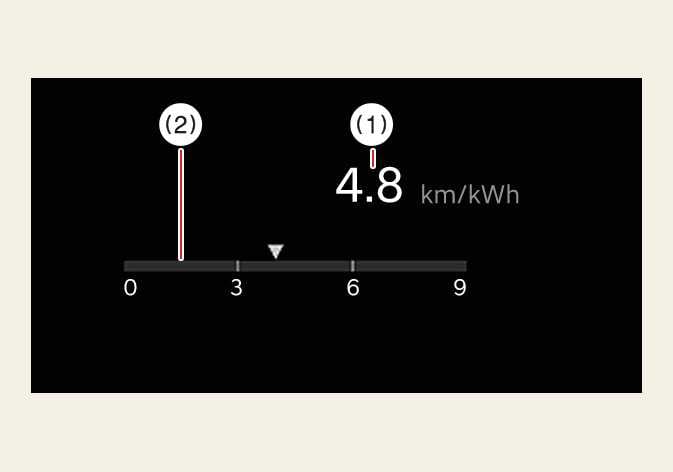
|
|
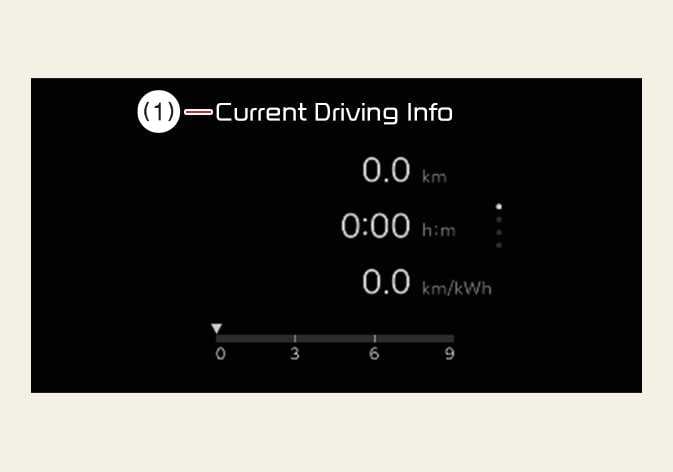 OSV034110L |
The driver's door is opened after turning off the vehicle or the vehicle is turned on after 3 minutes have passed, the Drive Info screen will reset. |
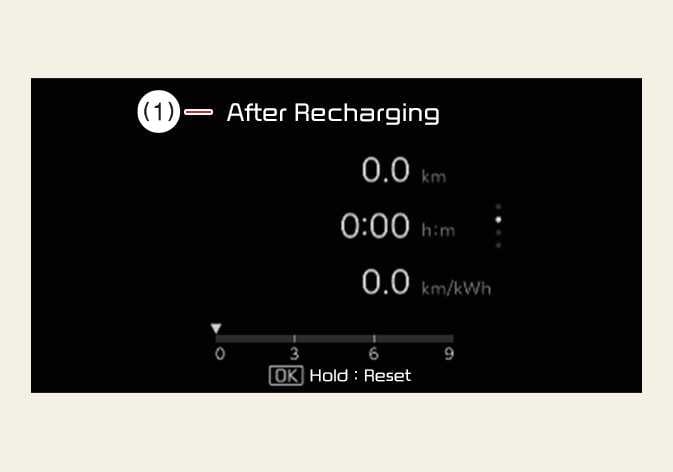 OSV034111L |
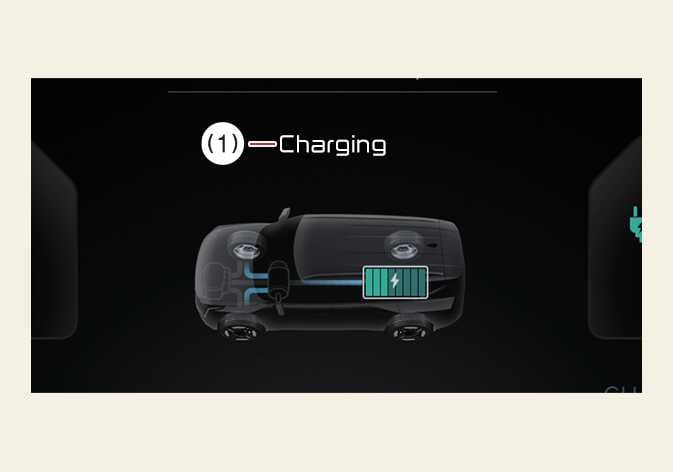
The information after recharging. To manually reset the information, press and hold the OK button when viewing the After Recharging . |
 OSV034112L |
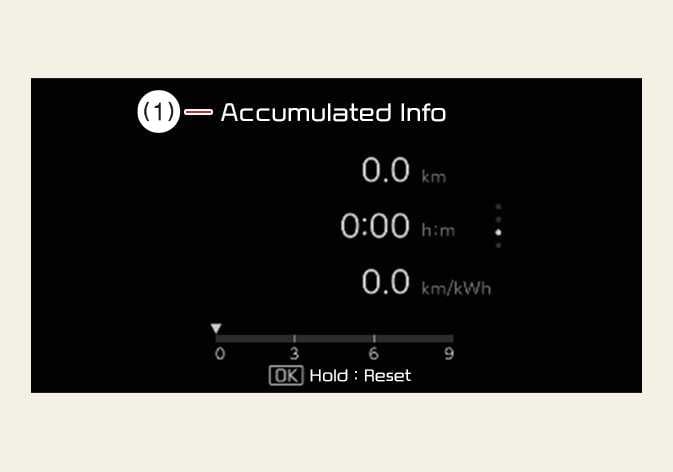
The information is accumulated starting from the last reset. To manually reset the information, press and hold the OK button when viewing the Accumulated Info . |
 OSV034154L |
|
 OSV034155L |
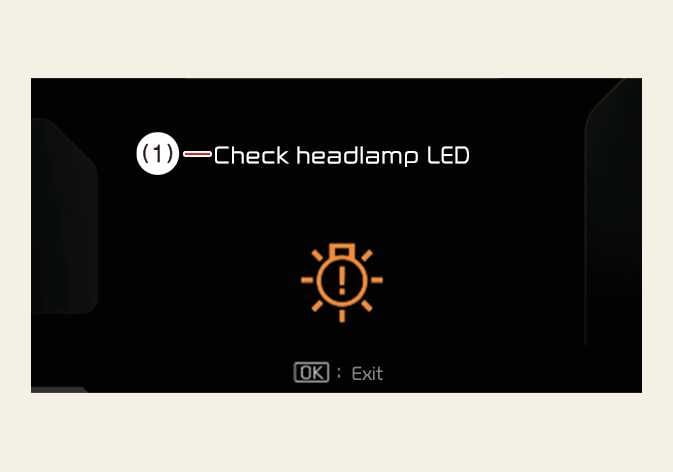
This mode informs you of the following situations:
At this time, a Master Warning icon ( |
 OMV033029L |
At this time, a Master Warning icon ( This mode informs you of the following situations:
|
 OSV034196L |
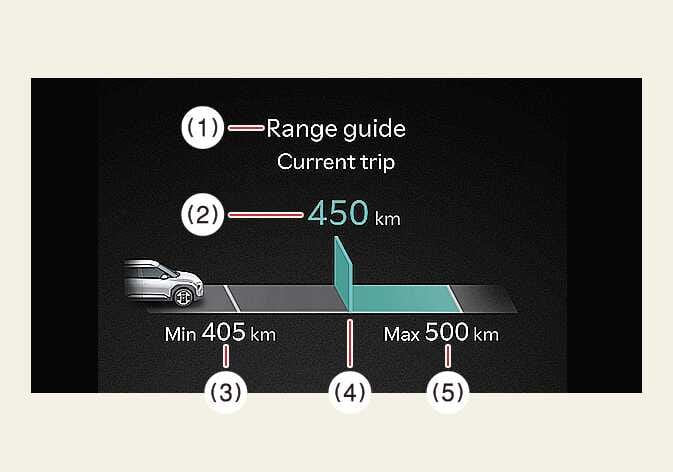
The Range guide helps drivers achieve economic driving. The Distance to empty (2) is determined by analyzing historical driving data and the current battery charge status. The 'estimated distance to empty' is calculated based on the measured energy consumption since the start of this trip and the remaining battery. The energy-saving level for this trip is visually indicated with a green or orange bar (4). The length of the bar is proportional to the degree of energy-saving.
|
|
OSV034196L |
This mode informs you of the following situations:
Refer to Maximum Power Output Mode (For GT) |
 ) will appear on the LCD display. If the warning situation is solved, the master warning light will be turned off and the master warning icon will disappear.
 ) will appear in the lower right corner on the LCD display. If the warning situation is solved, the master warning light will be turned off and the Master Warning icon will disappear.
-
The vehicle must be driven for a minimum of 300 meters (0.19 miles) since the last cycle before the accumulated driving information is recalculated.
-
The average energy economy is not displayed for more accurate calculation if the vehicle does not drive more than 10 seconds or 50 meters (0.03 miles) since the EV button is turned to ON.