

Warning Volume
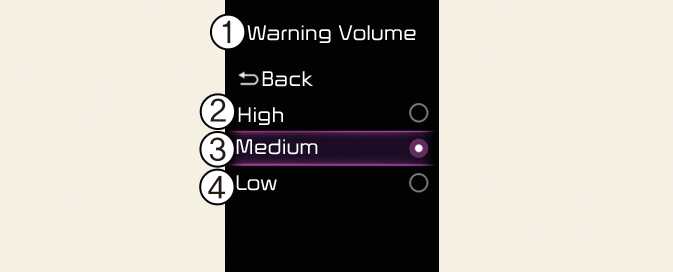
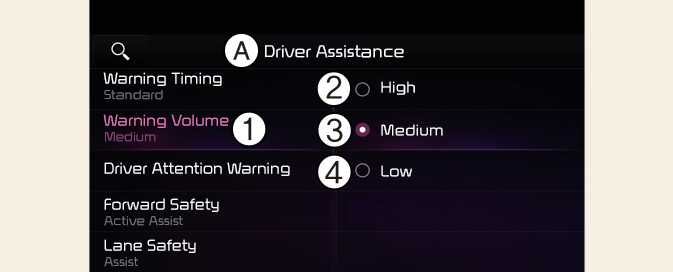
A: Driver Assistance
-
Warning Volume
-
High
-
Medium
-
Low
With the vehicle on, select Settings → Driver assistance→ Warning volume from the User Settings menu or select Settings → Vehicle → Driver assistance→ Warning volume from the infotainment system to change the Warning Volume to High, Medium, Lowfor Forward Collision-Avoidance Assist.
-
The setting of the Warning Timing and Warning Volume applies to all functions of Forward Collision-Avoidance Assist.
-
Even though Standard is selected for Warning Timing, if the front vehicle suddenly stops, the initial warning activation time may seem late.
-
Select Late for Warning Timing when traffic is light and when driving speed is slow.
-
If the vehicle is restarted, Warning Timing and Warning Volume will maintain the last setting.
-
If you change the Warning Volume, the warning volume of other Driver Assistance systems may change.