

Controlling rear fan speed
Front climate control panel
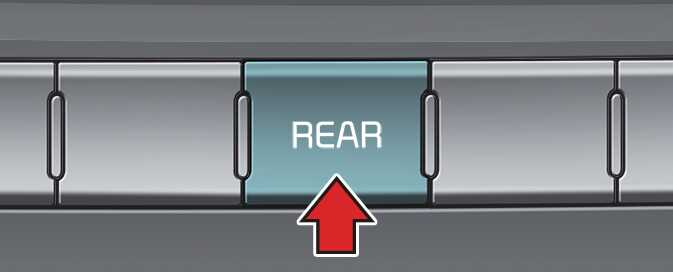
OON042325
-
Press the REAR button located on the front climate control panel and press the rear fan speed control button on the audio or multimedia screen.
-
To change the fan speed, press the (
 ) button for higher speed, or press the (
 ) button for lower speed.
The fan speed is displayed on the screen.
Rear climate control panel
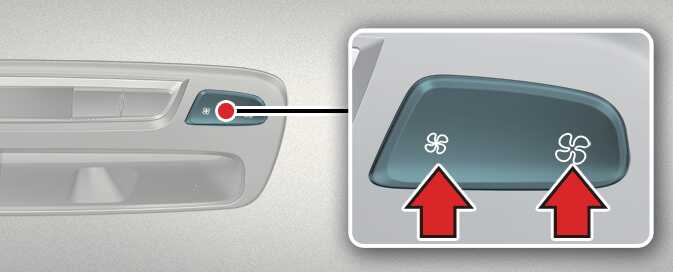
OON042326
-
Adjust the fan speed by pressing the rear fan speed control button.
-
To change the speed, press the (
 ) button for higher speed, or press the (
 ) button for lower speed.
The fan speed is displayed on the screen.