

Displaying the speed limit
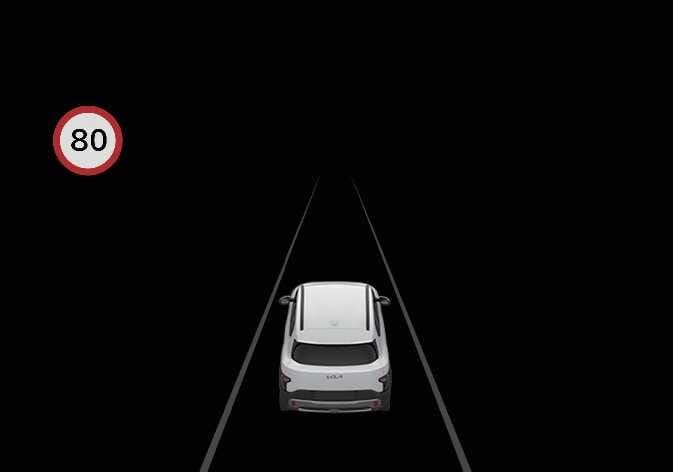 N_QVe27_C00_055_E |
The instrument cluster displays the speed limit information.
When “Advanced Assist” is set, the upcoming road speed limit and remaining distance are displayed.
When the navigation system is applied, this is displayed when “Automatic Assist,” “Manual Assist,” or “Warning” is selected. When the navigation system is not applied, this is displayed when “Speed Limit Assist” or “Speed Limit Warning” is selected.
-
If Intelligent Speed Limit Assist cannot recognize speed limit information from the road, the instrument cluster displays the ‘---’ sign. Please refer to Intelligent Speed Limit Assist malfunction and limitations if the road signs are difficult for the function to recognize.
-
Intelligent Speed Limit Assist provides other road sign information in addition to the posted speed limit. The additional road sign information provided may vary according to your region.
-
The images or colors may display differently depending on the specifications of the instrument cluster or theme.
-
The supplemental information displayed below the speed limit sign on the cluster indicates the conditions under which the sign applies. If the supplemental road sign information cannot be determined, it is displayed as a blank on the cluster. (For Europe)